Driver Store Status
Use Driver Store Status to monitor delivery coverage by store. It is a read-only operational dashboard: it does not assign Drivers, change availability, or update orders.
The /driver-store-status route currently accepts levels 0 and 5 independently of sidebar visibility. The parent Delivery menu requires a level 0 or 5 session and either a Pro or Enterprise project or a read-only Admin or Delivery-manager state. The Driver Store Status item then excludes those read-only states. The effective menu entry is therefore available to non-read-only level 0 or 5 sessions on Pro or Enterprise projects. Data returned for a session can still be scoped by its authorization.
Monitor store coverage
- Select Delivery → Driver Store Status.
- Review the KPI cards, then search or paginate the store table.
- Select Reload when you need to request the latest available data.
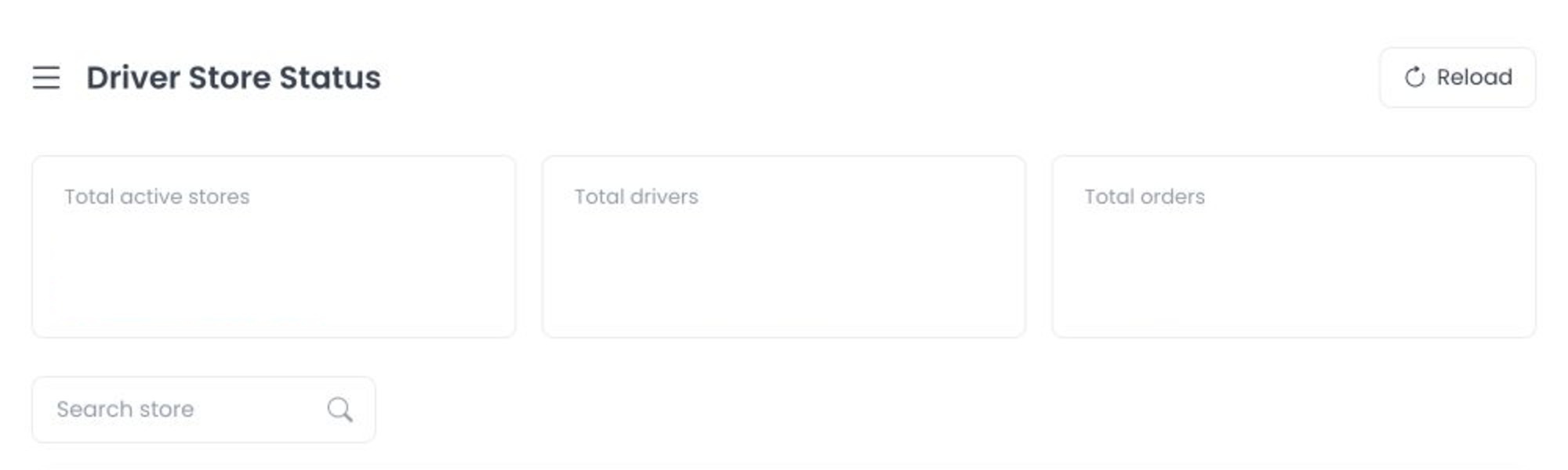
The dashboard updates from delivery and order events while it is open. Counts can therefore change without a page refresh. Reload refreshes its read data; it does not make a driver or order change.
The current source joins the manager delivery channel and listens for batch Driver changes plus order update and registration events. That source trace explains why displayed values can move, but it does not prove that a hosted project's websocket or API is serving the same revision.
Read the indicators
The KPI area summarizes enabled stores and Drivers, connected (online) Drivers, busy connected Drivers, offline enabled Drivers, and stores without connected Drivers. The table includes each enabled store connected through a Delivery group and shows:
- Total Drivers assigned through its groups.
- Online Drivers.
- Active unassigned orders.
- Orders whose fixed source status is
1,11, or15and whosedelivery_datetimefalls within the current browser-local day.
A store with no connected Drivers is highlighted. Search filters store names only, and pagination affects the displayed rows only.
The active-unassigned and finished-status values use the current browser day. The latter is a source aggregation over statuses 1, 11, and 15 plus delivery_datetime; it does not prove that completion occurred during that day. The page has no date-range or timezone control, so use it as a live operational view rather than as a reconciled reporting period.
The source obtains Drivers, groups, and order aggregates through authenticated requests. Do not assume those requests are safe merely because they read data or use GET; authorization, plugins, and project-specific behavior remain service boundaries.
Protect operational information
Store names, driver availability/busy state, and order volumes are sensitive operational data. Do not share a live dashboard screenshot or use it to infer a Driver's location, schedule, or an order's customer information.
Troubleshooting
Why is a store highlighted?
It currently has zero connected Drivers among the Drivers associated through its Delivery groups.
Why did a count change?
The page listens for delivery and order updates while open. Reload if you need to refresh the underlying lists and counts.
Related guides: Drivers dashboard · Delivery Groups