POS & Menu Sync overview
Use POS & Menu Sync to understand the current source-defined store list and POS-integration controls. The page combines authenticated business/integration reads with plugin installation, mapping, setup, disconnect, log, and sync surfaces; this source-only article does not exercise any of them.
The /connect/pos-menu route source allows administrator level only and redirects to Home unless the POS/Menu feature flag or Connect-for-Pro source condition is true. The parent Connect group, item visibility, route gate, returned integration data, plugin state, and API authorization remain separate gates.
Open POS & Menu Sync
- In the Dashboard sidebar, select Connect.
- Select POS & Menu Sync.
- Use the active-state control, Search, or pagination to find the intended store.
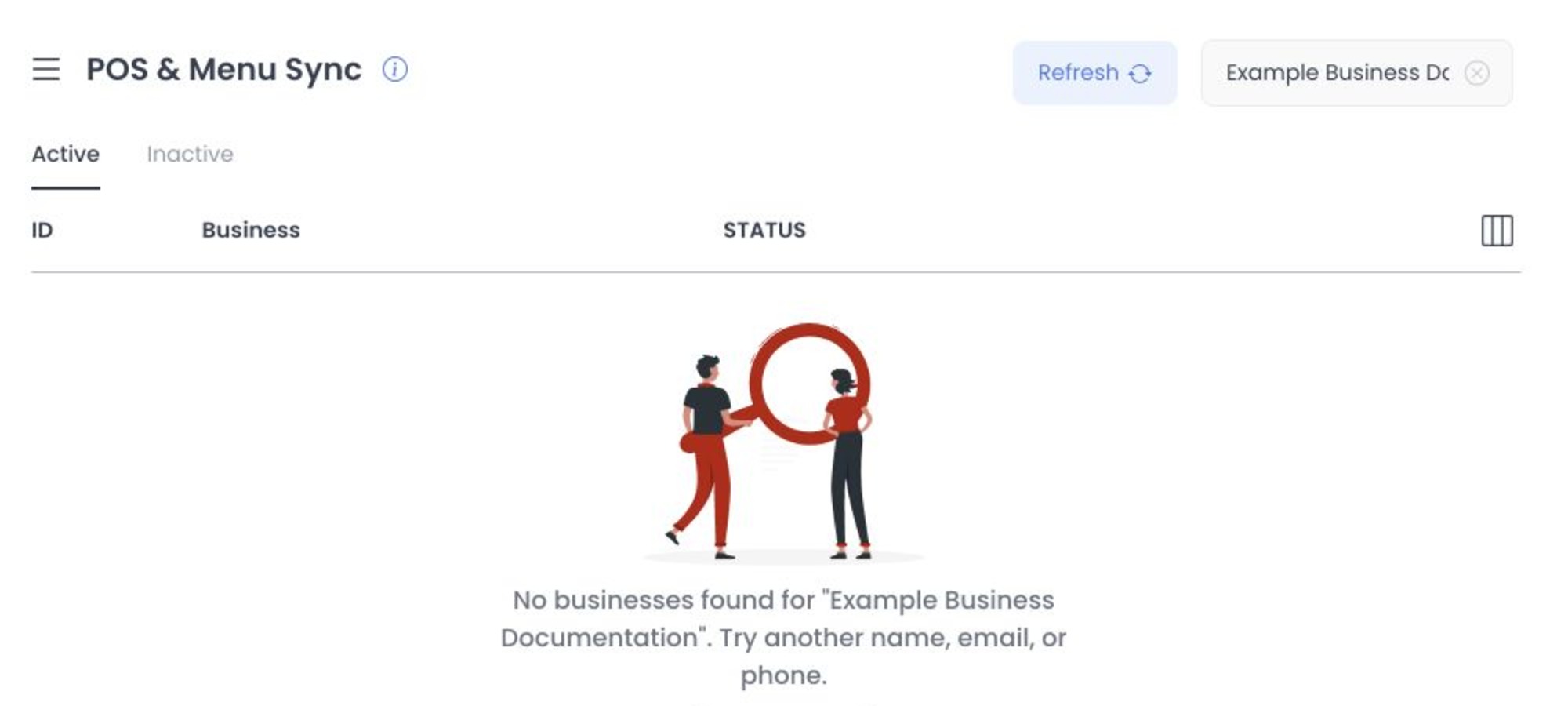
Selecting a returned business changes local detail state and can add its ID to the URL. Page mount, Search, active-state changes, pagination, Refresh, and a direct ID can invoke authenticated business or integration reads. GET and HEAD are not presumed safe, and URL state does not prove a deployed record was retrieved.
Review available integrations
The list controller requests integrations with type pos; the returned records drive provider names, logos, plugin/setup state, and controls. Source contains no fixed provider-support matrix, and this review did not retrieve project data or contact a provider.
Current source distinguishes an integration with no plugin, an installable plugin root, a mapped business integration, and optional setup status. Each transition crosses an independent API, plugin, or provider boundary.
Understand the store mapping
A returned POS mapping can open an integration panel with:
- External ID — displayed from local mapping state but disabled in the POS panel source.
- Enabled — a switch wired to the mapping-save handler.
- Setup status — rendered when the returned mapping supplies it.
- Logs and plugin-defined links — separate authenticated or embedded surfaces.
For an unmapped integration with a plugin ID, Connect is wired to submit the business/integration mapping path with enabled: true; it does not ask for an External ID in this source flow. In an existing POS mapping, the External ID input is disabled. The enabled switch, Disconnect, plugin install/setup, and log controls remain write, provider, or sensitive-data boundaries.
Opening a store uses shared business-detail controls: the business enabled switch calls the business-save path, Custom fields opens business-metafield create/delete controls, and confirmed Delete calls business deletion. A visible Sync now control has no source handler in the inspected component, so its label is not evidence of dispatch.
Current API source rejects creation of a second POS relationship when the business already has any POS relationship. It permits a nullable External ID; when present, the value must be 1–255 characters and unique within that third-party integration. A POS update that includes the External ID stores its SHA-256-derived value as the business sync identifier, while deleting a POS relationship clears that identifier; plugin hooks and actions can also run. The initial Connect request sends only enabled: true, whereas an existing panel save or enabled-switch request includes the current disabled External ID and enabled state. These are fixed-source contracts, not proof of deployed validation, persistence, hook execution, or provider effects.
Connecting, changing enabled state, disconnecting, and installing a plugin are write-capable source actions. Do not use them for documentation research. No hosted uniqueness, validation, state transition, or rollback was tested.
Sync actions
For a connected provider, the panel can offer:
- Sync business
- Sync menu
Both choices are wired to authenticated POST paths under the selected business/integration mapping. Current client source displays local loading and response toasts, but no request, callback, job, provider completion, menu change, retry, rollback, or reconciliation receipt was observed.
Treat either control as a possible outbound/job effect boundary. A client handler and response message are not immutable proof of provider processing or deployed menu state.
Protect setup links and credentials
Some plugin records can open setup or general-settings content in an iframe after source template substitution. That URL can carry credential-bearing values and crosses an external origin boundary.
Do not copy provider setup URLs, External IDs, credentials, tokens, or account information into screenshots, recordings, browser-history exports, tickets, chat, or shared documentation. Use your approved secret-management and support process.
Troubleshooting
Why is POS & Menu Sync missing?
Current source requires administrator level plus the route feature/plan condition; the parent Connect group and item apply their own gates. This article does not verify a deployed redirect.
Why can't I connect a provider?
Current source can block at missing plugin, contact-us mode, plugin install, absent mapping, or API/provider response. The POS panel's External ID input is disabled, so this flow does not provide a source-visible way to repair it.
Why did Sync menu show success but the menu is unchanged?
The client defines a success toast for a non-error response, not an immutable dispatch or provider-completion receipt. No provider or menu data was inspected.
Related guides: Configure POS & Menu Sync · Importers · Stores overview