Importers
Use Importers to select a store and choose one of four menu-import cards. Importing combines authorized store access, provider input, a separately configured endpoint, and potentially sensitive prefilled values.
Importers may be available to Dashboard administrators when the relevant Connect configuration is enabled. The parent Connect group, sidebar item, route access, store data, external import configuration, and API authorization can each have separate requirements.
Open Importers
- In the Dashboard sidebar, select Connect.
- Select Importers.
- Use the active-state control, Search, or pagination to find the target store.
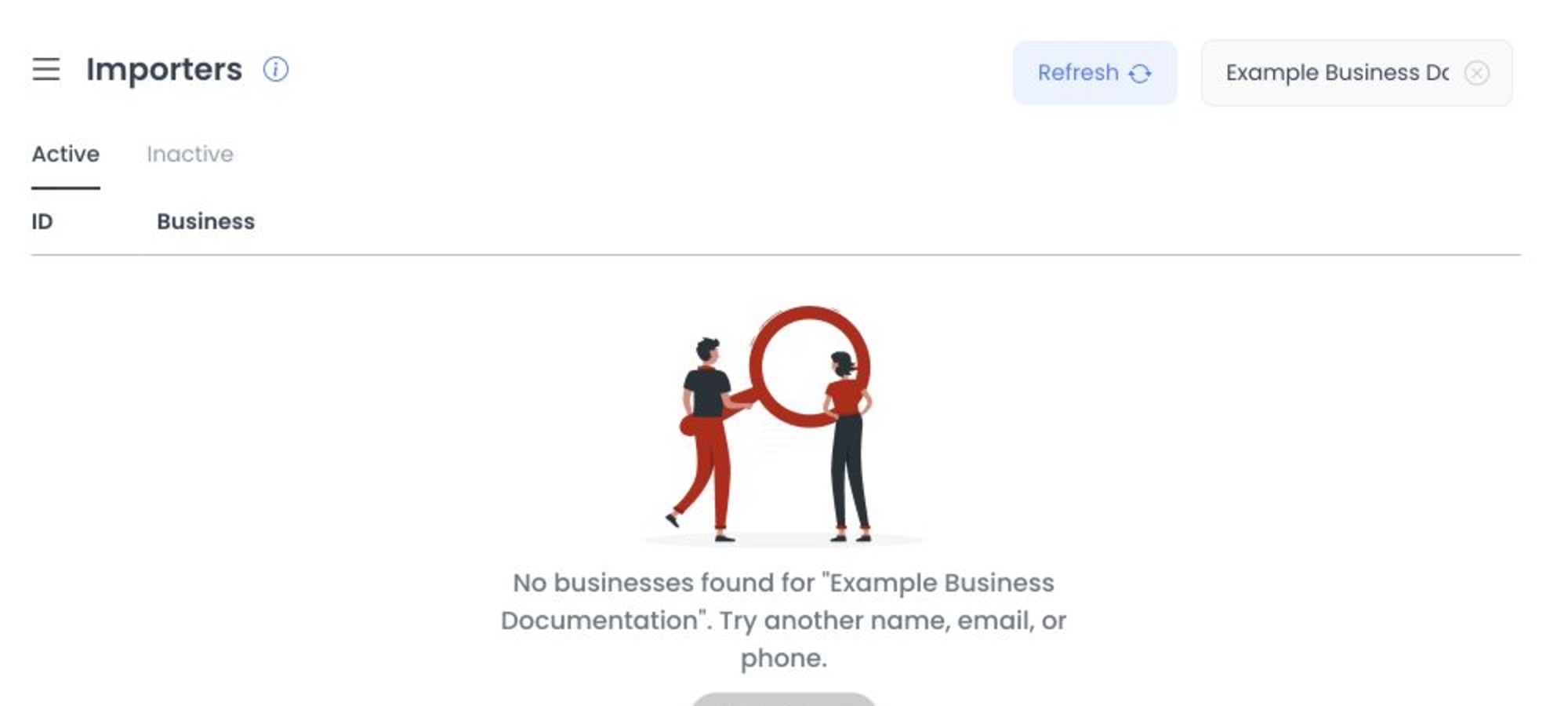
Selecting a business opens its Importers panel and can add the business ID to the URL. Search, filtering, pagination, refresh, and prefill can retrieve business or provider data; treat these as operational reads and do not assume a request is risk-free. An import starts only after you use an enabled modal action.
Available menu import options
The Dashboard can offer these cards:
| Provider or input | What the Dashboard requests |
|---|---|
| DoorDash | A DoorDash store URL and an optional choice to include all menu variants. |
| Uber Eats | An Uber Eats store URL and an optional choice to include all menu variants. |
| GloriaFood | Restaurant Key and Master Key in a dedicated flow. |
| Compatible platform input | A compatible business URL, or the project and business reference accepted by the active form. |
These cards are distinct from the separate core importer/job workflow. Do not substitute one workflow's behavior or support records for the other.
Both GloriaFood keys are required before its action is available. Import data can be retained for later prefill, so treat the Restaurant Key and Master Key as sensitive even if the interface reports an import result.
What happens when you import
An import request can include the selected business ID, project or API context, provider URL or structured reference, variant choice, user email, and session token. Wait for an active request to finish before continuing; do not submit it again while the modal is busy.
Import can affect external providers, credentials, production menu data, and jobs. Submit an import only to a target you are authorized to change, with a clear intended outcome.
Import data can be retained for later prefill. Treat all importer inputs and prefilled values as credentials or sensitive business data, and do not disclose them outside the approved process.
Validation and result boundary
- DoorDash and Uber Eats require the expected store URL format. Basic format checks do not establish ownership, origin, or safety.
- The compatible-platform option can use a parseable URL with a
/business/segment or paired project and business values. - GloriaFood requires both key fields before its action is available and includes a provider help-video boundary.
- A success or error message reports the request outcome only. It does not by itself confirm an import, provider result, item count, menu write, callback, or completion.
Keep import information private
Do not paste store URLs, Restaurant Keys, Master Keys, project IDs, business slugs, email addresses, tokens, API URLs, or provider responses into screenshots, recordings, tickets, chat, or shared documentation. Use an approved secret-management and support process.
Troubleshooting
Why is Importers missing?
Confirm that you are a Dashboard administrator and that the project's relevant Connect feature and configuration conditions are enabled. A direct route that returns to Home does not meet the current route gate.
Why is Import unavailable?
Confirm that a store is selected, the card input is valid, no request is active, and the import service is configured. Do not enter real credentials until you are ready to complete an approved import.
Does a success message mean every imported menu item is ready?
No. Confirm the resulting items in the target menu before relying on them or taking another action.
Related guides: Import a menu and resolve errors · POS & Menu Sync overview · Products overview