Importers
Use Importers to understand the current source-defined store selector and four menu-import cards. The page combines authenticated business reads, provider/source input, a separately configured import endpoint, and an optional sensitive prefill/logging path; none was executed here.
The /connect/importers route source allows administrator level only and redirects to Home unless Importers, POS/Menu Sync, or Connect-for-Pro source conditions enable it. The parent Connect group, sidebar item, route gate, business reads, external import configuration, and API authorization remain separate gates.
Open Importers
- In the Dashboard sidebar, select Connect.
- Select Importers.
- Use the active-state control, Search, or pagination to find the target store.
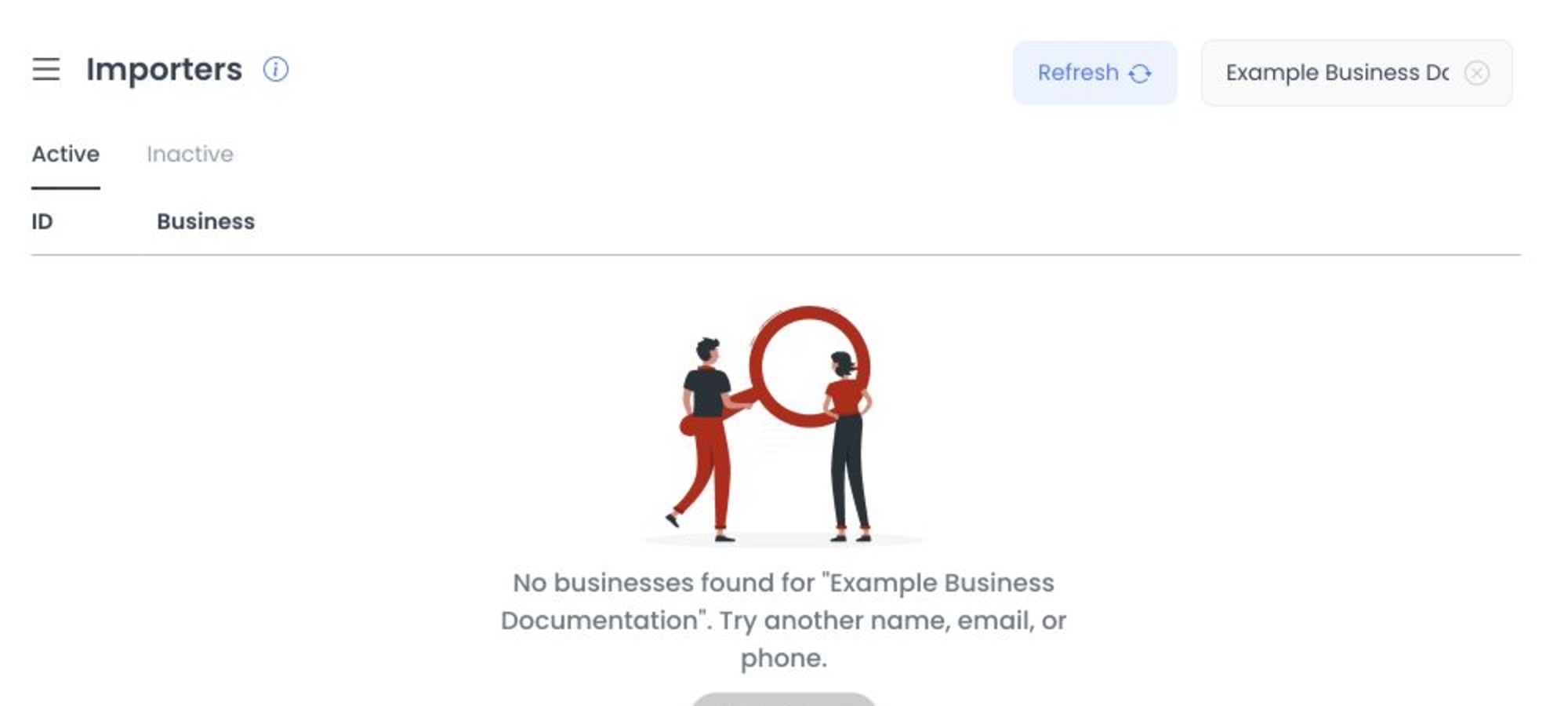
Selecting a returned business opens its local Importers panel and can add the business ID to the URL. Page mount, Search, active-state changes, pagination, Refresh, and prefill logic can invoke authenticated or external reads; GET and HEAD are not presumed safe. No import POST is called until an enabled modal action is activated.
Available menu sources
Fixed Dashboard source defines these cards:
| Source | What the Dashboard requests |
|---|---|
| DoorDash | A DoorDash store URL and an optional choice to include all menu variants. |
| Uber Eats | An Uber Eats store URL and an optional choice to include all menu variants. |
| GloriaFood | Restaurant Key and Master Key in a dedicated flow. |
| Ordering.co / OrderingPlus | A compatible business URL, or an OrderingPlus project ID and business slug or ID. |
These cards are distinct from the separate core API importer/job framework. Do not substitute one workflow's behavior or receipts for the other.
Both GloriaFood keys gate the client action. Current source removes the Master Key from the configured import-service request body, but the subsequent optional logging path can submit both Restaurant Key and Master Key for later prefill; logging failure does not change the import success UI.
What happens when you import
The hook constructs a POST to a separately configured base URL and source-specific path. Its body can include the selected business ID, project/API context, source URL or structured reference, variant choice, and user email; the request can also carry the current session token. The modal source disables closing and resubmission while the request promise is active.
Import crosses external, credential, production-data, menu-write, and possible job boundaries. Do not submit it, enable a fixture flag, or use a production store for documentation research.
After a non-error response, source invokes an optional fire-and-forget logging path that can retain sensitive source input for later prefill. Failure of that path is intentionally ignored by the UI. Treat all importer inputs and prefilled values as credentials or sensitive business data; this article does not disclose or validate them.
Validation and result boundary
- DoorDash and Uber Eats form source checks only that trimmed input is nonempty and contains the expected domain pattern; it does not establish ownership, origin, or safety.
- Ordering.co form source accepts a parseable URL with a
/business/segment or paired project/business values. - GloriaFood form source requires both key fields before enabling its action and exposes an embedded help-video provider boundary.
- HTTP and response-body checks map to local error/success state. A client success state is not an immutable import, provider, item-count, menu-write, callback, or completion receipt.
Keep source information private
Do not paste store URLs, Restaurant Keys, Master Keys, project IDs, business slugs, email addresses, tokens, API URLs, or provider responses into screenshots, recordings, tickets, chat, or shared documentation. Use an approved secret-management and support process.
Troubleshooting
Why is Importers missing?
Confirm that you are a Dashboard administrator and that the project's relevant Connect feature/plan condition is enabled. A direct route that returns to Home does not meet the current route gate.
Why is Import unavailable?
Current source requires a returned business ID, locally valid card input, no active request, and a configured import base URL. Do not test these gates with real input.
Does a success message mean every imported menu item is ready?
No. The source-defined message follows local HTTP/body checks only. No provider completion, imported item, target menu, optional log, or downstream storefront result was inspected.
Related guides: Import a menu and resolve errors · POS & Menu Sync overview · Products overview