Configure POS & Menu Sync
This guide maps the current source-defined POS integration flow and its effect boundaries. It does not authorize or verify a hosted connection, plugin installation, provider setup, credential entry, sync, disconnect, or business/menu change.
Connect, plugin install/setup, enabled-state update, disconnect, logs, and sync controls cross write, credential, provider, or job boundaries. Do not activate them for documentation research.
Before you start
- Confirm that Connect → POS & Menu Sync is available to your Dashboard administrator account.
- Identify the intended synthetic or separately approved target; do not use a production store as a test fixture.
- Treat provider identity, mapping values, setup links, credentials, logs, business/menu data, and response bodies as sensitive.
- Current source distinguishes plugin installation, initial mapping, setup content, and an existing mapping; these are separate gates.
- A later operational run requires its own authority, provider instructions, rollback plan, and immutable receipts.
No business, menu, provider, credential, log, callback, job, or external link was accessed for this article.
Connect or update an integration
- Open Connect → POS & Menu Sync.
- Select the intended store.
- Select the available POS integration.
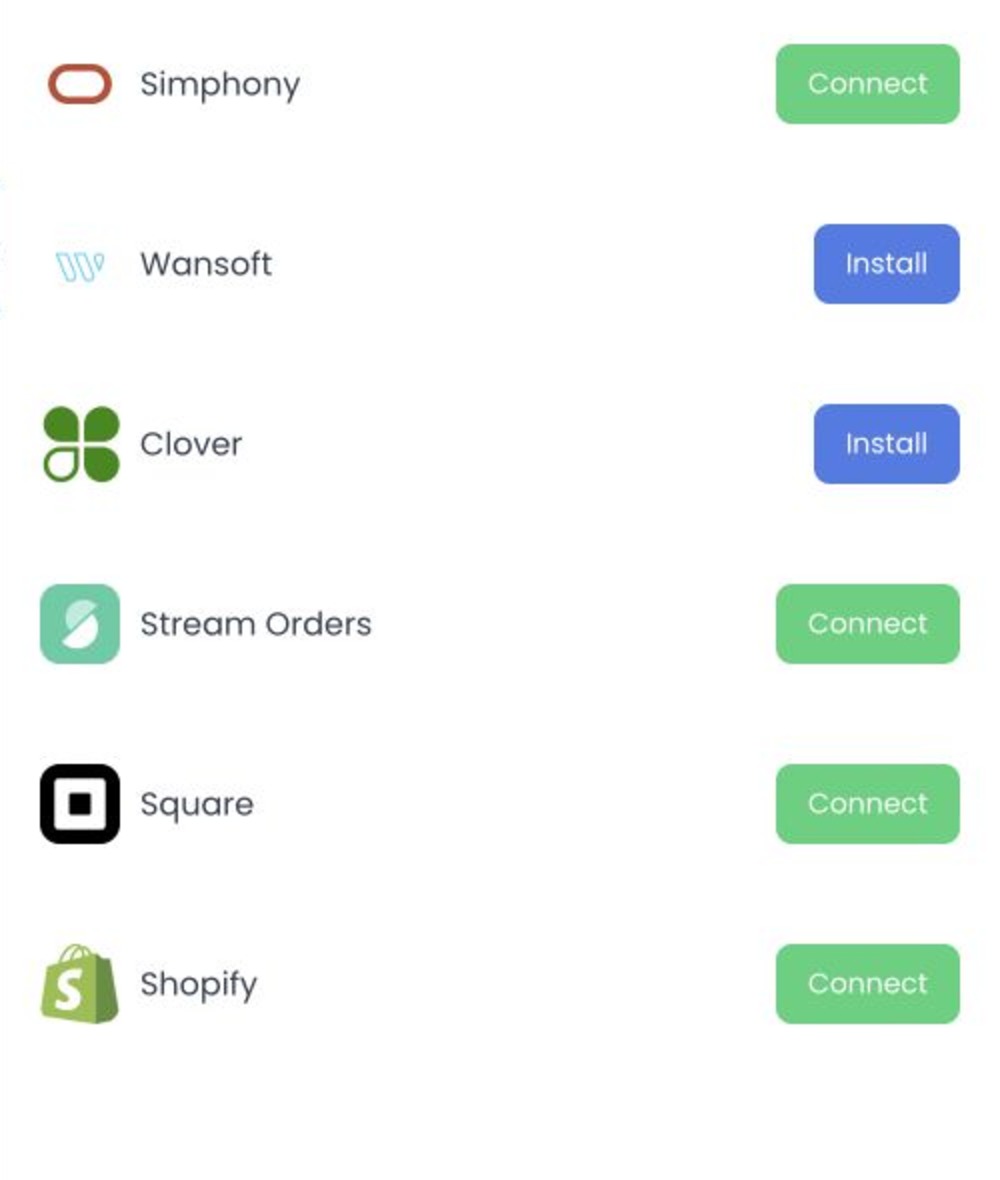
- Treat Install, Connect, Setup, and contact-us states as different source branches.
- For an existing mapping, review the source-visible External ID, Enabled, Setup status, plugin links, and Logs boundaries without activating them.
Current source wires Connect to submit enabled: true to the mapping path when a plugin ID exists and no mapping is returned. In the POS integration panel, the External ID field is disabled; the enabled switch calls the mapping-save path with local state. Source does not prove hosted validation, uniqueness, accepted state, or provider readiness.
Opening a store uses shared business-detail controls: the business enabled switch calls the business-save path, Custom fields opens business-metafield create/delete controls, and confirmed Delete calls business deletion. A visible Sync now control has no source handler in the inspected component, so its label is not evidence of dispatch.
Current API source rejects creation of a second POS relationship when the business already has any POS relationship. It permits a nullable External ID; when present, the value must be 1–255 characters and unique within that third-party integration. A POS update that includes the External ID stores its SHA-256-derived value as the business sync identifier, while deleting a POS relationship clears that identifier; plugin hooks and actions can also run. The initial Connect request sends only enabled: true, whereas an existing panel save or enabled-switch request includes the current disabled External ID and enabled state. These are fixed-source contracts, not proof of deployed validation, persistence, hook execution, or provider effects.
Provider setup URLs can contain credential-bearing project or session values. Do not open, copy, capture, share, or paste them into tickets, chat, recordings, or documentation. Do not expose provider credentials, mapping identifiers, or logs.
Dispatch a business or menu sync
- Current source offers Sync business and Sync menu for an opened mapping.
- Selecting one changes local action state.
- Save is wired to an authenticated POST action path for that mapping.
The controller defines response toasts, but this source-only review did not send the request or observe a callback, provider job, menu result, completion tracker, retry, rollback, or reconciliation record.
Do not diagnose or retry with a live provider. Preserve any separately authorised error receipt and use the provider-specific operational process.
Disconnect an integration
Disconnect is wired to an authenticated DELETE for the selected business/integration mapping, followed by client refresh/close callbacks on the non-error branch. Source does not establish hosted execution of the deletion or POS sync-identifier clearing, dependent workflow state, or rollback.
Troubleshooting
Why does the provider need installation first?
Current source distinguishes missing plugin, an installable plugin root, contact-us mode, and a plugin ID. No installation or provider configuration was tested.
Why can't I edit the External ID here?
The inspected BusinessIntegration source disables this input when it is used from POS & Menu Sync. Use a separately approved provider-specific setup path; do not infer edit support from the displayed value.
Why did the sync request fail?
The source path depends on business authorization, mapping, integration/plugin data, and the action endpoint. A client response alone does not diagnose or guarantee external-provider processing.
Related guides: POS & Menu Sync overview · Import a menu and resolve errors · Stores overview