Review an upgrade or payment reminder
The Dashboard can show Upgrade to Pro under Platform when the administrator has a billing account and the project offers an upgrade. If the project is past due and your signed-in account has a billing identity, the Dashboard can open the payment dialog automatically. Once you close it, the past-due banner offers Pay now to reopen it.
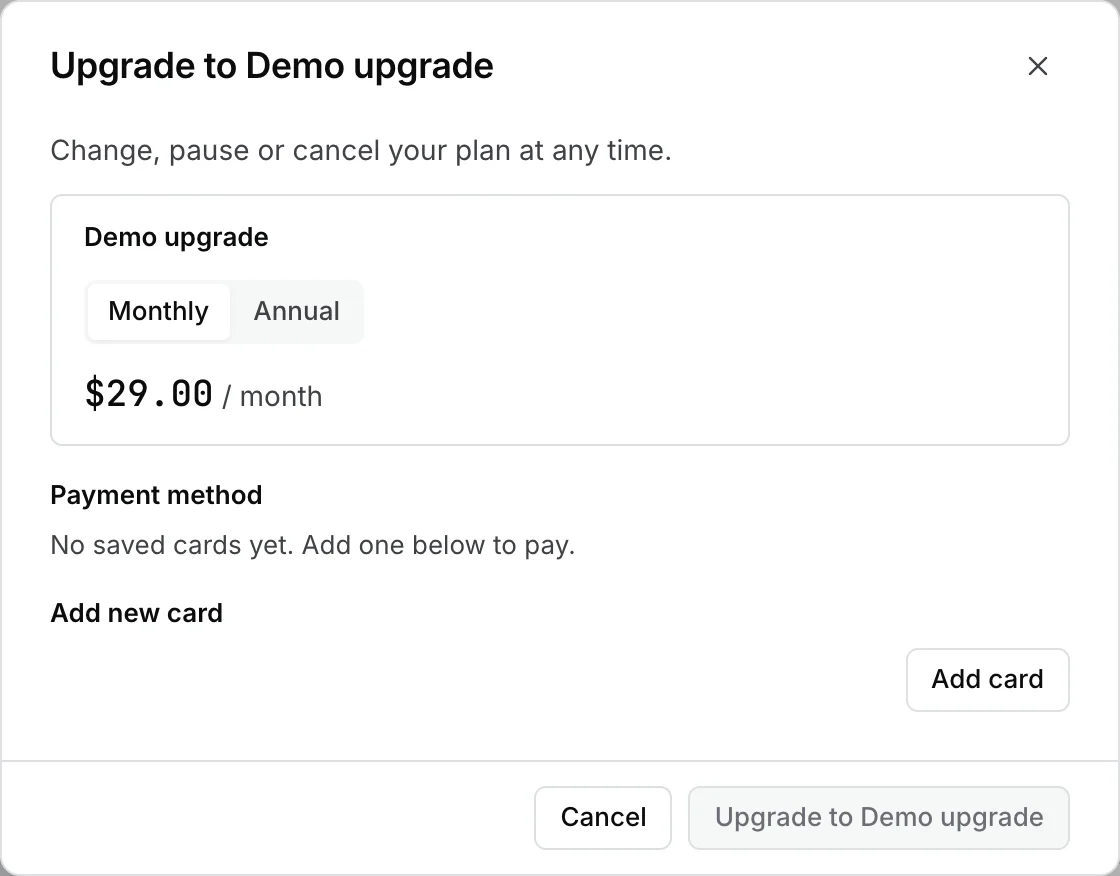
The amounts in this example are fictitious.
Both controls open a dialog inside the Dashboard. Review the plan or overdue subscription, the amount and billing period shown, and the selected payment method. The dialog may offer a period choice if the upgrade has both monthly and annual options. When there is no eligible subscription or payment method, the confirmation may be unavailable.

Close the dialog if you only needed to review the details. If your organization authorizes the change, confirm it in the dialog and read the outcome before trying again. Use Open Billing for the portal and to review your account there.