Points wallet and levels
Use Points wallet and levels to set up a points-based loyalty program for the businesses in your project and to define loyalty levels. The area is available to Dashboard administrators when the points-and-levels add-on is enabled.
This area controls configuration. It does not, by itself, award points, create a customer balance, make a payment method available, move a customer to a level, or deliver a reward.
What you can design
A points program can support repeat purchasing, customer engagement, average-order-value goals, retention, and a differentiated customer experience. Common program patterns include e-commerce purchases, recurring services, local-business visits, and marketplace activity. Define the audience and qualifying behavior separately: a points or level setting does not decide whether a buyer, seller, review, referral, subscription, or sale is eligible.
The page contains two focused workspaces:
- Points wallet configures the point relationship shown in the Dashboard, per-business participation, optional limits and expiration, and the related canceled-order refund setting.
- Levels stores named level records with their accumulation, required-points, maximum-points, image, and expiration inputs.
If your program includes discounts, special offers, early access, delivery benefits, or another reward, configure that benefit in its own applicable workflow. Creating a points setting or level does not create, publish, or guarantee the benefit.
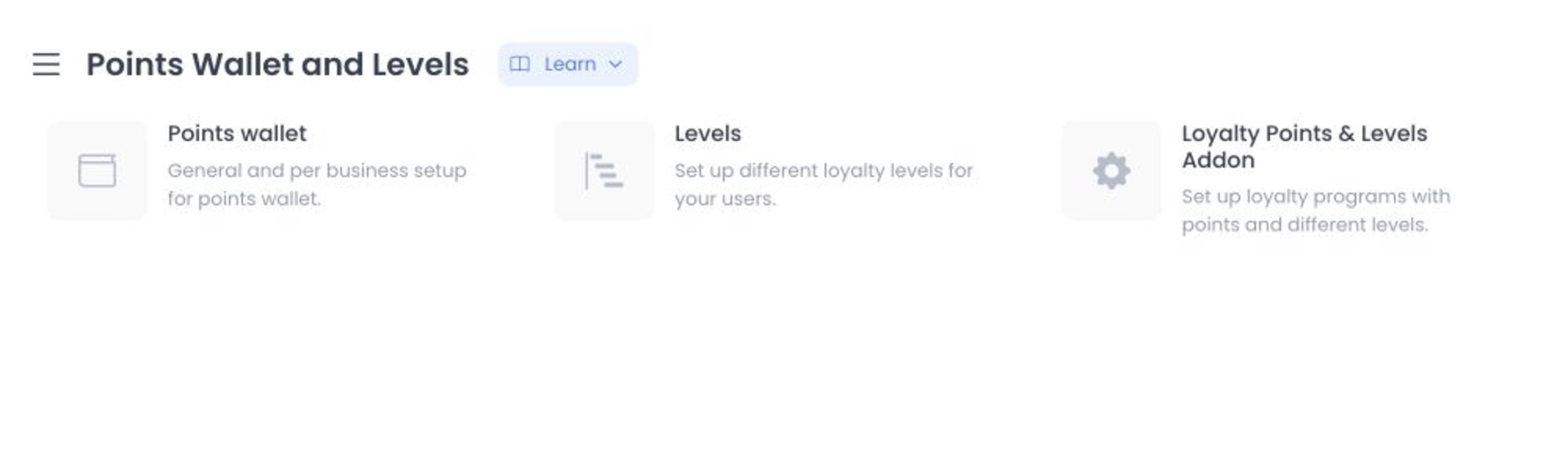
Screenshots show example controls and data. Your navigation labels, records, values, enabled businesses, and available payment choices can differ. Do not reuse a visible name, contact detail, amount, address, account, or configuration value as production data.
Before you open a workspace
- Confirm that the points-and-levels add-on is enabled and that you are authorized to change loyalty configuration.
- Record the current points, business, level, and refund settings through your approved operational process.
- Use a non-production project with synthetic records when you need to test an unfamiliar configuration.
- Confirm that a credit_point loyalty plan already exists before selecting Points wallet.
Opening Points wallet loads its points-plan settings. If no credit_point plan exists and a business is available, Dashboard may create a default plan for the first business. An empty panel can therefore trigger a configuration change. Prepare a test project before exploring these settings.
Open the right procedure
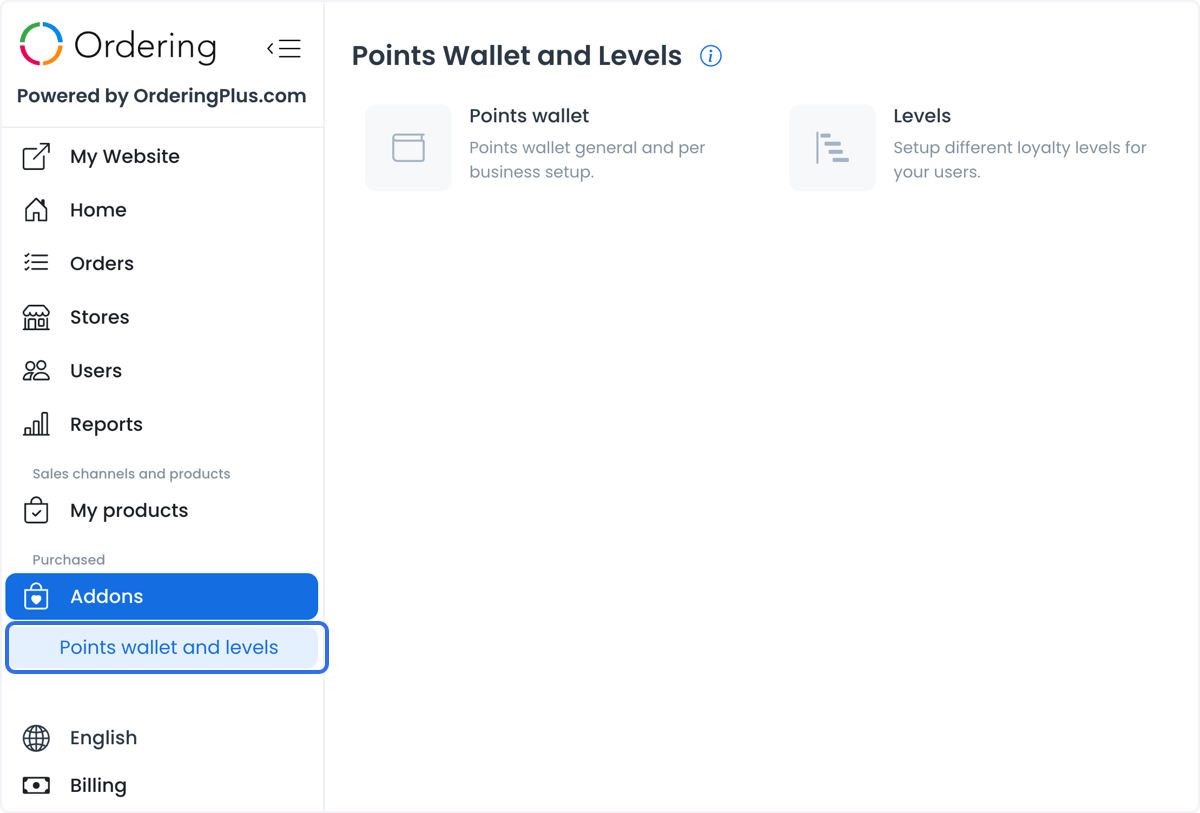
In the Dashboard, go to Addons > Points wallet and levels, then choose the workspace you need.
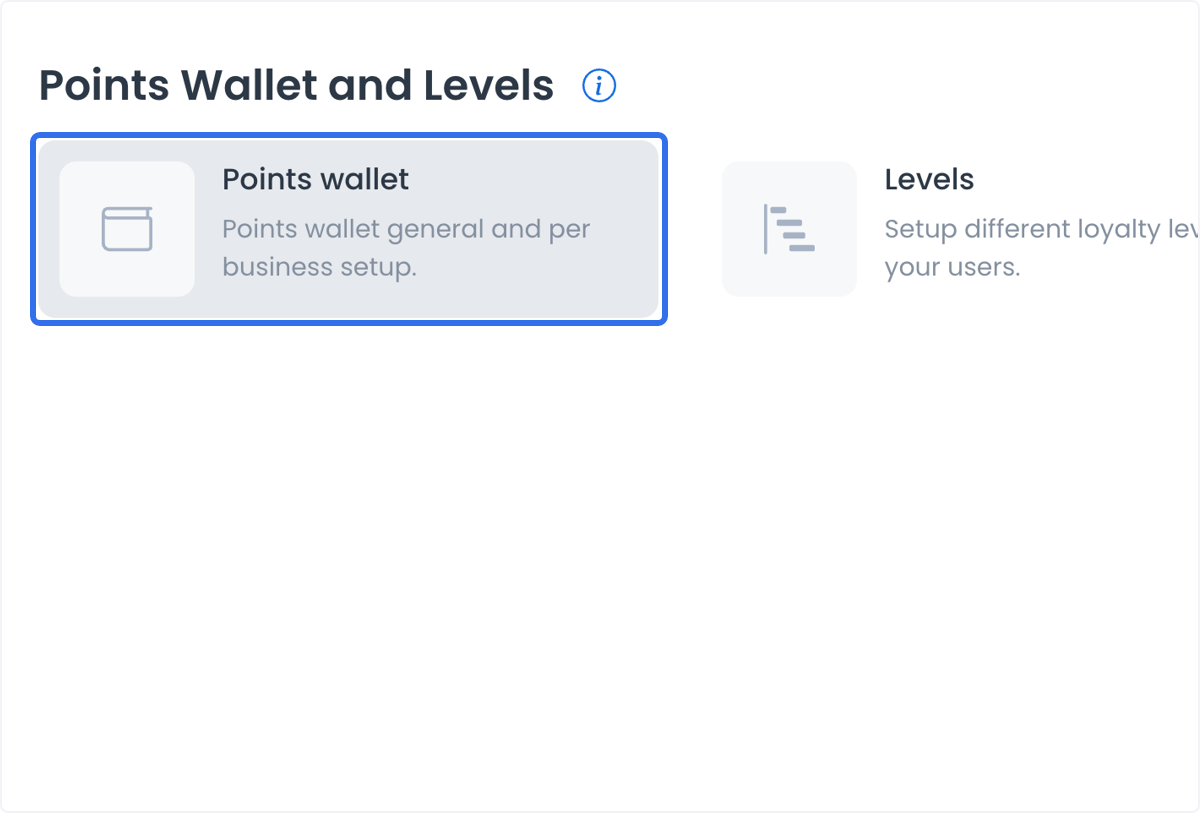
Points wallet
Use the points procedure to configure general point values, business participation, limits, expiration, the canceled-order refund setting, and customer-wallet handling.
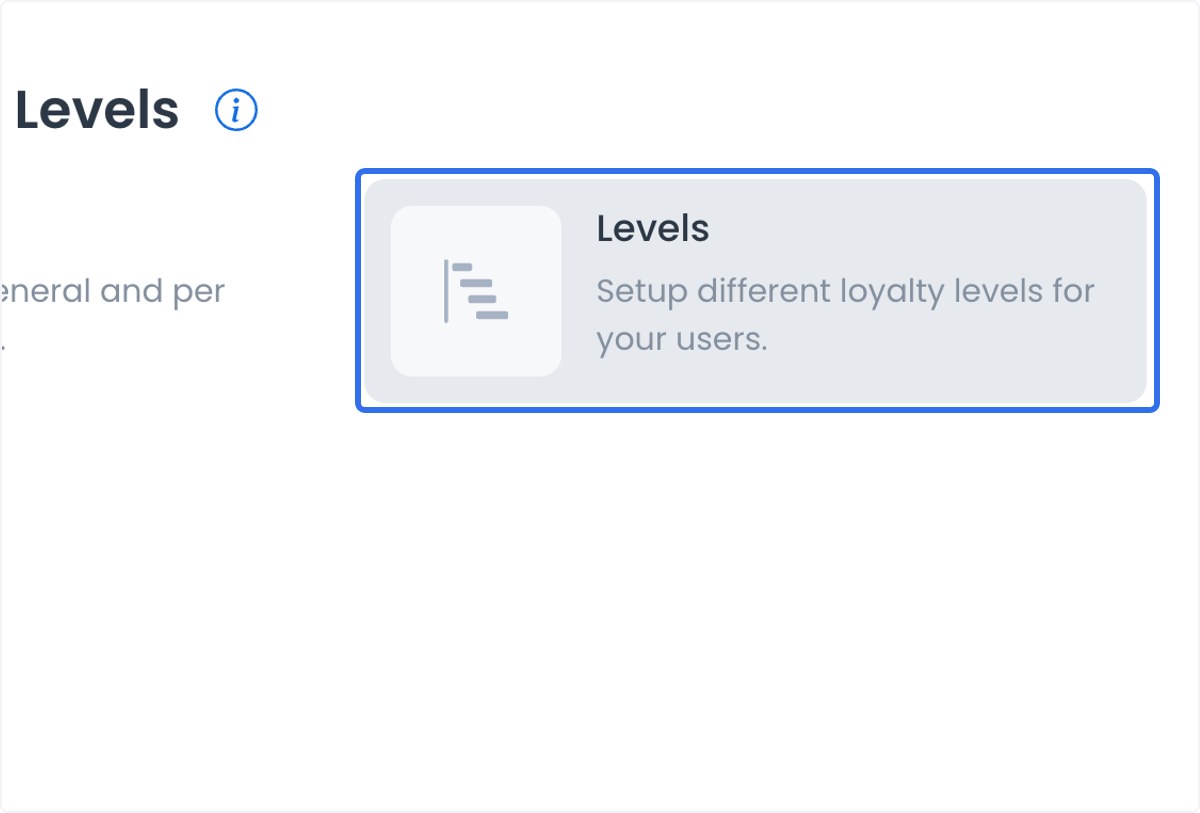
Levels
Use the level procedure to add, edit, save, or remove level records and to review how level status differs from a customer outcome.
Keep configuration and customer outcomes separate
| What you change or see | What it represents | What it does not prove |
|---|---|---|
| A saved points or level value | The configuration currently submitted for that record or business | A balance change, an award, redemption, payment, refund, or customer-level outcome |
| A business status, Redeem, or Accumulation control | The business participation configuration | That a customer or order qualifies, or that the control will appear at checkout |
| A points-to-price display | The intended relationship configured in the interface | A universal conversion formula, tax or discount treatment, or a settled order total |
| A level record or level name | A stored loyalty-level configuration | That a customer reached the level, can see it, or receives a benefit |
| A refund selection | A configuration that can be considered for a canceled order | That a refund was issued, accepted, delivered, or reflected in a wallet |
No external payment provider is configured from this page. A points-wallet setting is separate from provider availability, payment authorization, order completion, and any later refund or settlement process.
Related guides
For the Ordering.co product overview of points and levels across Dashboard, Website, and conditional Customer App checkout controls, see Ordering Loyalty.