Appointments
The /appointments route accepts levels 0 and 2. Its My addons menu parent is level-0, non-read-only, and availability-gated; the item additionally requires the appointments feature and add-on. A level-2 direct route therefore has different reachability from the sidebar.
Choose a business and review its calendar
Choosing a business from the header loads its scheduled calendar events. The calendar provides Month, Week, and Day views, and event labels include the assigned professional and start/end time in the configured time format.
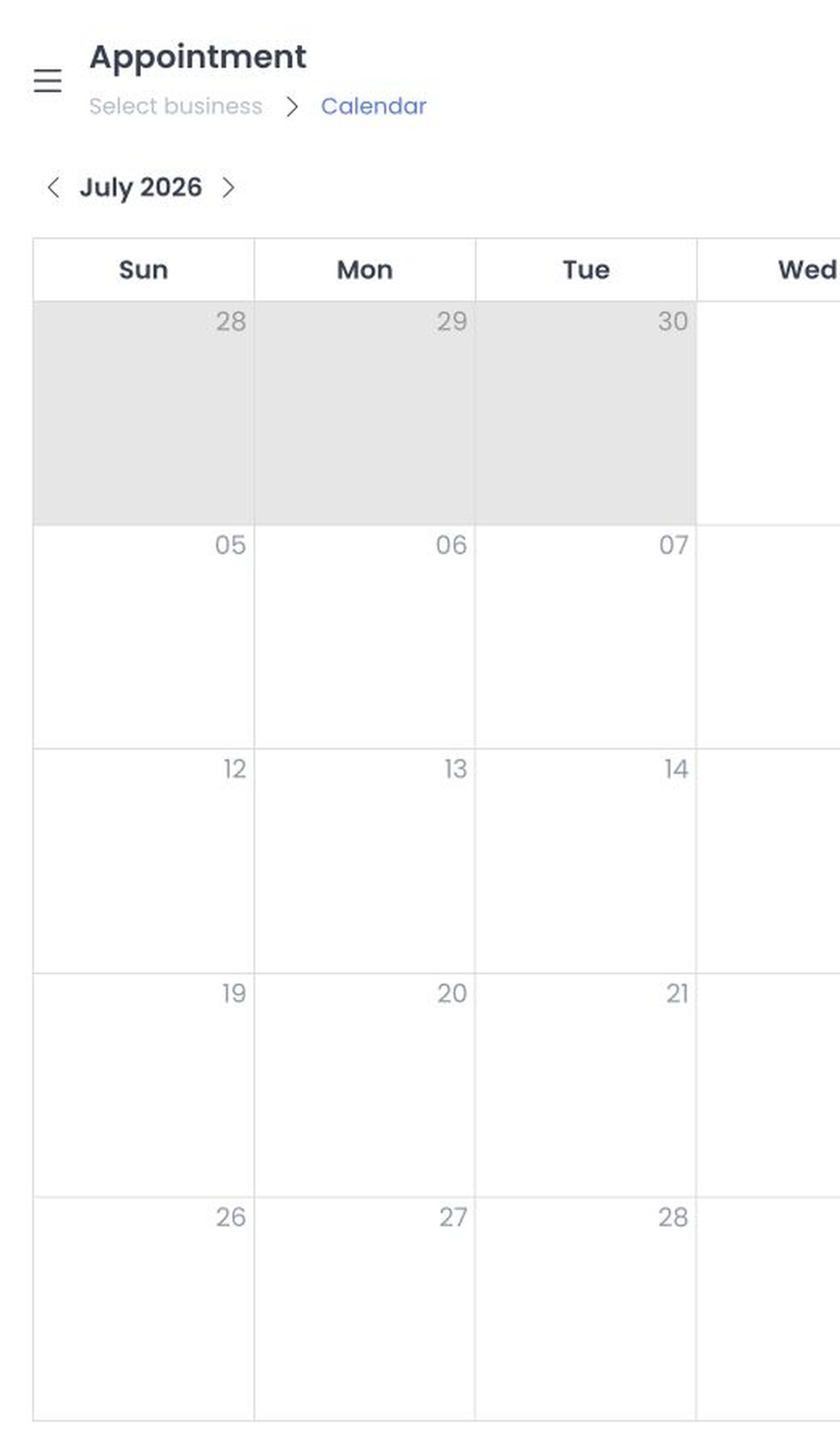
Choosing an event opens the associated service order. Selecting a business sends an authenticated request for calendar events. The API filters business events to scheduled status and scopes a Business manager through business ownership.
Selecting an event mounts the shared Order details surface for its order ID. That can expose customer, order, payment, delivery, message, and mutation controls beyond the calendar; do not treat event selection as a read-only calendar action.
The calendar view does not provide create, drag, resize, cancel, or reschedule actions. Appointment updates and deletions elsewhere can trigger calendar-provider synchronization and professional-availability events.
Availability and empty states
The sidebar item requires both the appointments feature and addon_appointments, but its parent already limits the rendered My addons menu to eligible level-0 sessions. A direct URL does not grant the feature, record scope, or API access.
If the appointments feature is disabled, the page shows a feature-not-enabled warning. If the selected business has no scheduled events, the calendar is empty. If events cannot load, no dedicated error message appears; verify access and the selected business before escalating.
Related setup
Appointments depends on service/order configuration and assigned professionals.
Related guides: Professionals · Create or edit a product · Add-ons overview