Website engineering guide
Use this guide when contributing to the Website repository. Repository access requires authorization. It describes checked-in development and validation paths; it does not provide customer configuration, credentials, or deployment authorization.
Architecture
The Website is a React 18 single-page application built with Vite. React Router v5 owns browser navigation, context providers coordinate session, configuration, ordering, theme, and consent state, and styled-components supplies the runtime theme layer. Page modules live in the application source directory and load through its router and app shell.
Reusable commerce logic and UI arrive through the Components Git submodule mounted in the application source directory. Treat the app and its pinned submodule revision as one build input: a change that works against another Components revision is not validated for this repository.
The production build writes static assets to dist. The checked-in Cloudflare Worker serves those assets and owns request-time routing, runtime configuration injection, and SEO-related responses. The Vite development server does not prove Worker behavior.
Repository map
| Path | Responsibility |
|---|---|
| Application entry, app shell, and router | Browser entry point, providers, gates, lazy-loaded pages, and routes. |
| Application pages, components, and contexts | Customer-facing routes, Website-specific UI, and state boundaries. |
| Components submodule | Pinned shared commerce logic and UI. |
| Application configuration and theme files | Public client configuration merge and theme defaults. |
| Application unit-test directory | Vitest and Testing Library coverage owned by this repository. |
e2e/docs/ | Deterministic documentation contracts and Playwright capture flows. |
i18n/ | Generated catalog checks and translation utilities. |
worker/ and wrangler.toml | Cloudflare asset, routing, runtime configuration, and SEO boundary. |
Prerequisites and safe setup
- Git 2.30 or newer.
- Node.js 24 or newer, matching
package.jsonand CI. - pnpm 9; the repository pins pnpm 9.15.0.
- A supported browser for local development.
Obtain repository access from its owner and use the approved authentication method. From an authorized checkout, initialize submodules and install the locked dependency graph:
git submodule update --init --recursive
corepack enable
corepack prepare pnpm@9.15.0 --activate
pnpm install --frozen-lockfile
Do not delete a lockfile, advance the submodule to another branch, substitute an arbitrary Components checkout, or copy environment values into the repository as part of setup.
Configure a safe local project
The application configuration contains browser-visible defaults and merges them with runtime configuration supplied by the Worker. Keep this boundary explicit:
- Treat everything shipped to the browser as public.
- Use only a development project that you are authorized to access.
- Never place API secrets, private keys, privileged tokens, customer exports, or production-only provider credentials in client configuration.
- Preserve the nested API configuration shape and validate changes with the configuration tests.
- Configure Worker values through the approved environment mechanism. Do not copy environment values into source, examples, screenshots, or issue text.
Product mode, project resolution, canonical routes, and provider availability can change the visible experience. Use Website experience and configuration before assuming that one project represents every installation.
Run and validate locally
Start the Vite development server:
pnpm start
Create a production bundle and serve it locally when the work requires it:
pnpm build
pnpm preview
Use pnpm cf:dev only when you need the checked-in Worker boundary locally. An HTTPS tunnel is an optional, externally reachable test surface; use it only with non-sensitive fixtures and an authorized review scope.
Run the smallest relevant checks while developing, then the same quality gates used by CI:
pnpm lint:check
pnpm test
pnpm i18n:check-generated
pnpm i18n:verify
pnpm build
For changes to documentation behavior, also run pnpm docs:website:contract. Use pnpm lint:check for a read-only lint result; pnpm lint may apply fixes.
Recognize legacy repository layouts
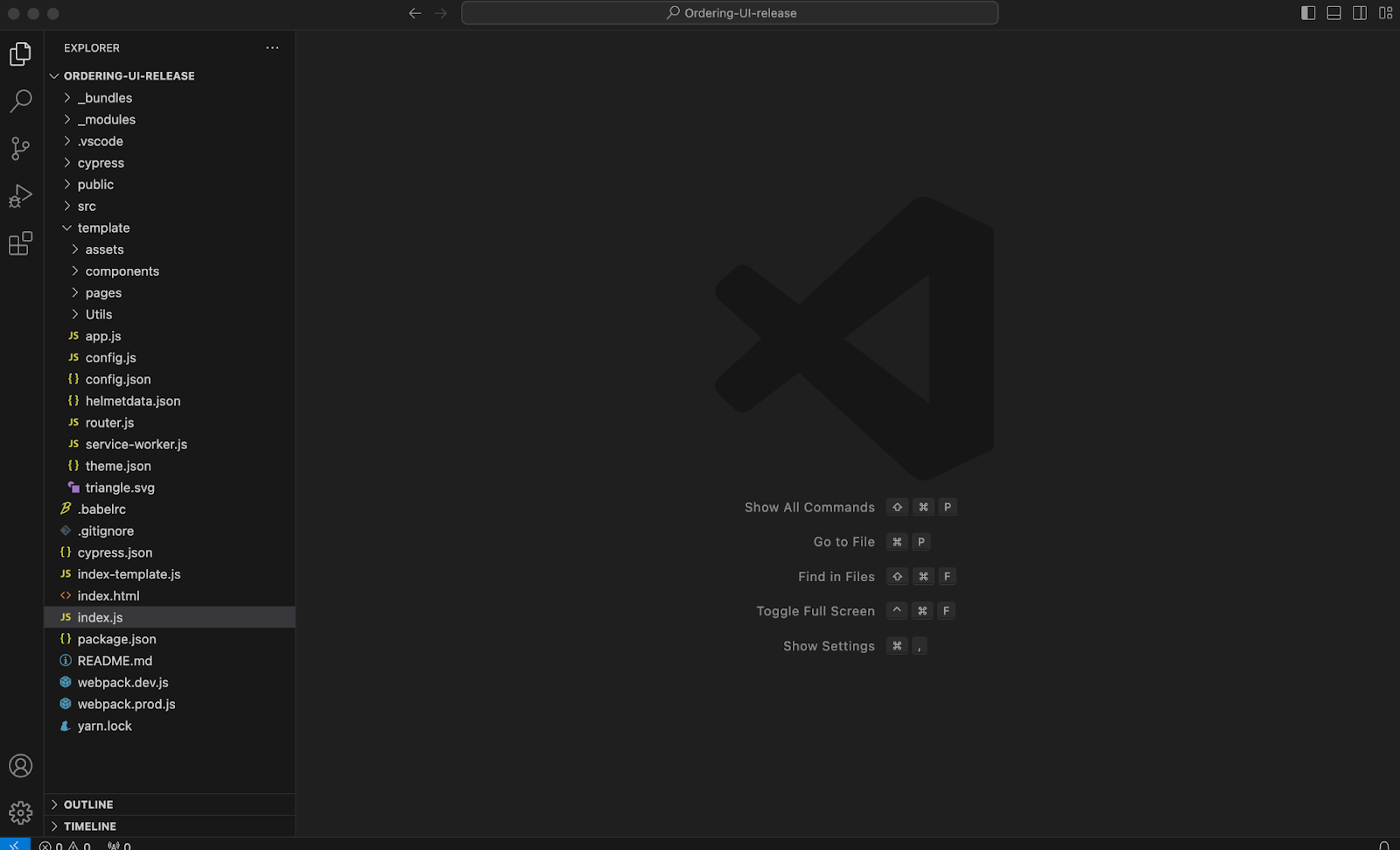
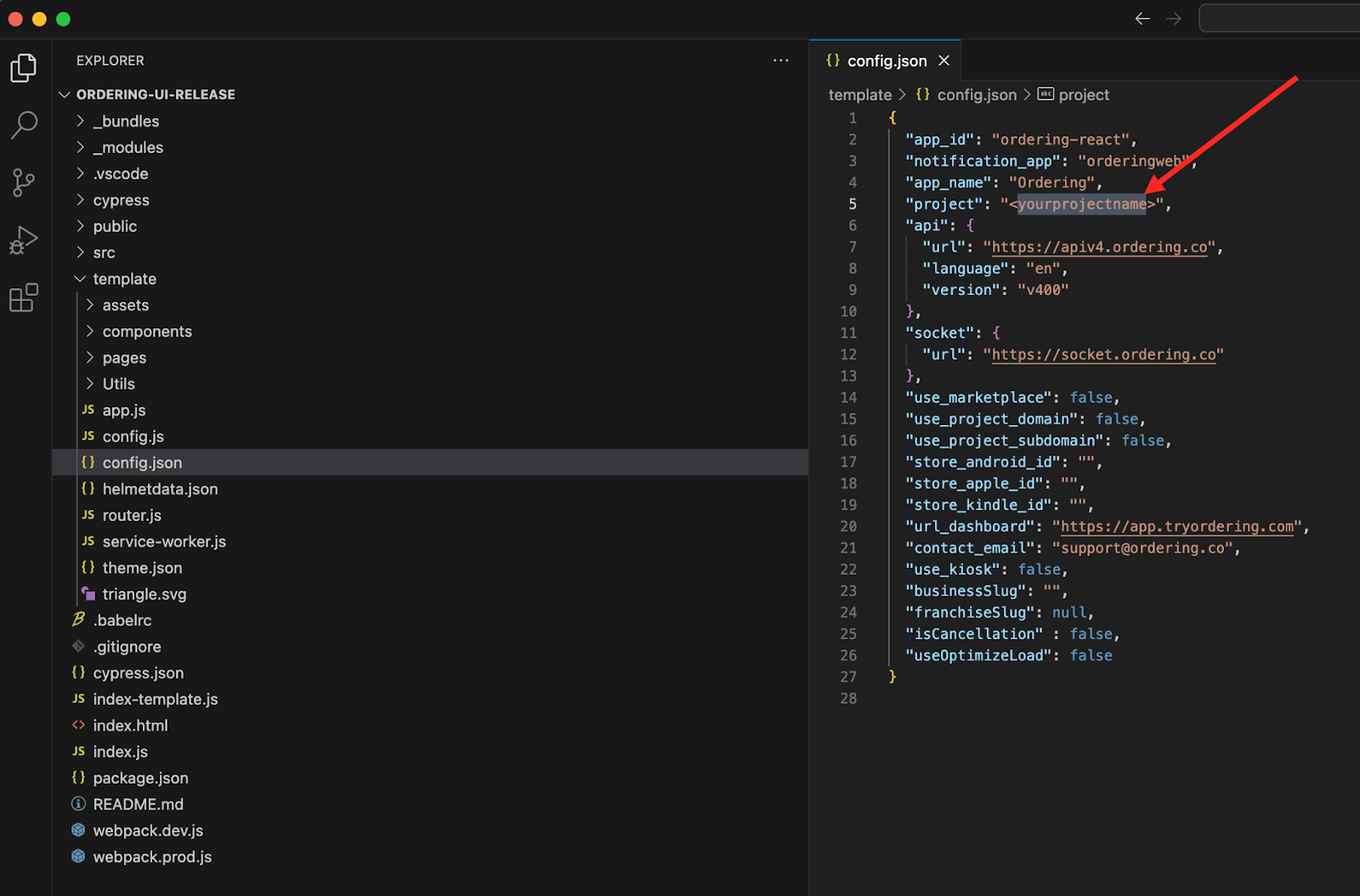
Captured legacy material distinguishes Ordering-UI-release, which supplied components, from Ordering-Website-release, which contained frontend code and loaded components at compile time. In the current repository, use the pinned Components submodule and the package-manager/lockfile instructions above; do not apply the old Yarn, path-editing, or lockfile-removal steps to a current checkout.
Locate a component before changing it
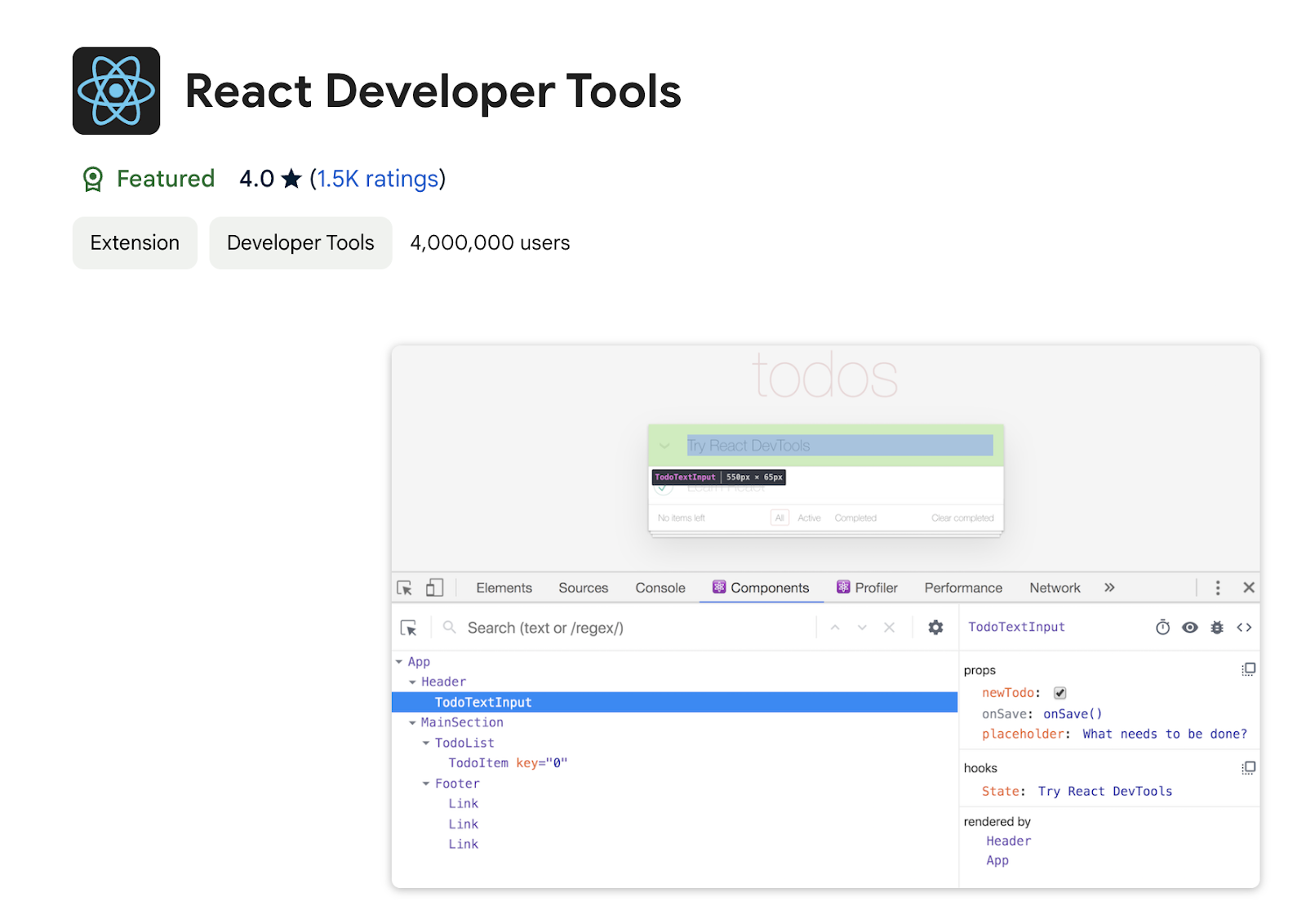
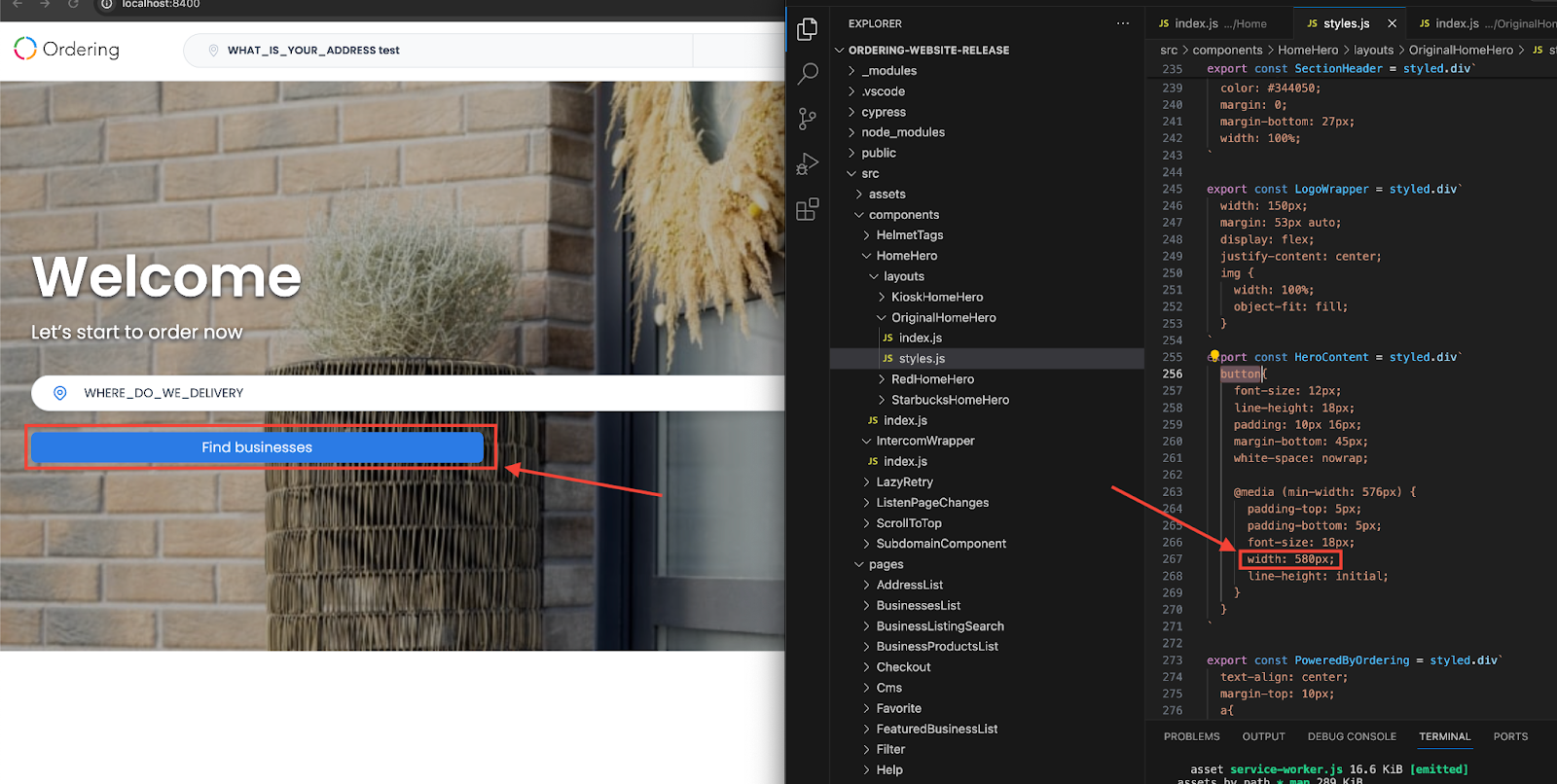
Identify the customer-facing element, trace its parent and child components, and review the component’s dependencies before editing. React Developer Tools can help identify a component tree in a local, authorized browser session, but it does not prove that a component can be copied or changed independently.
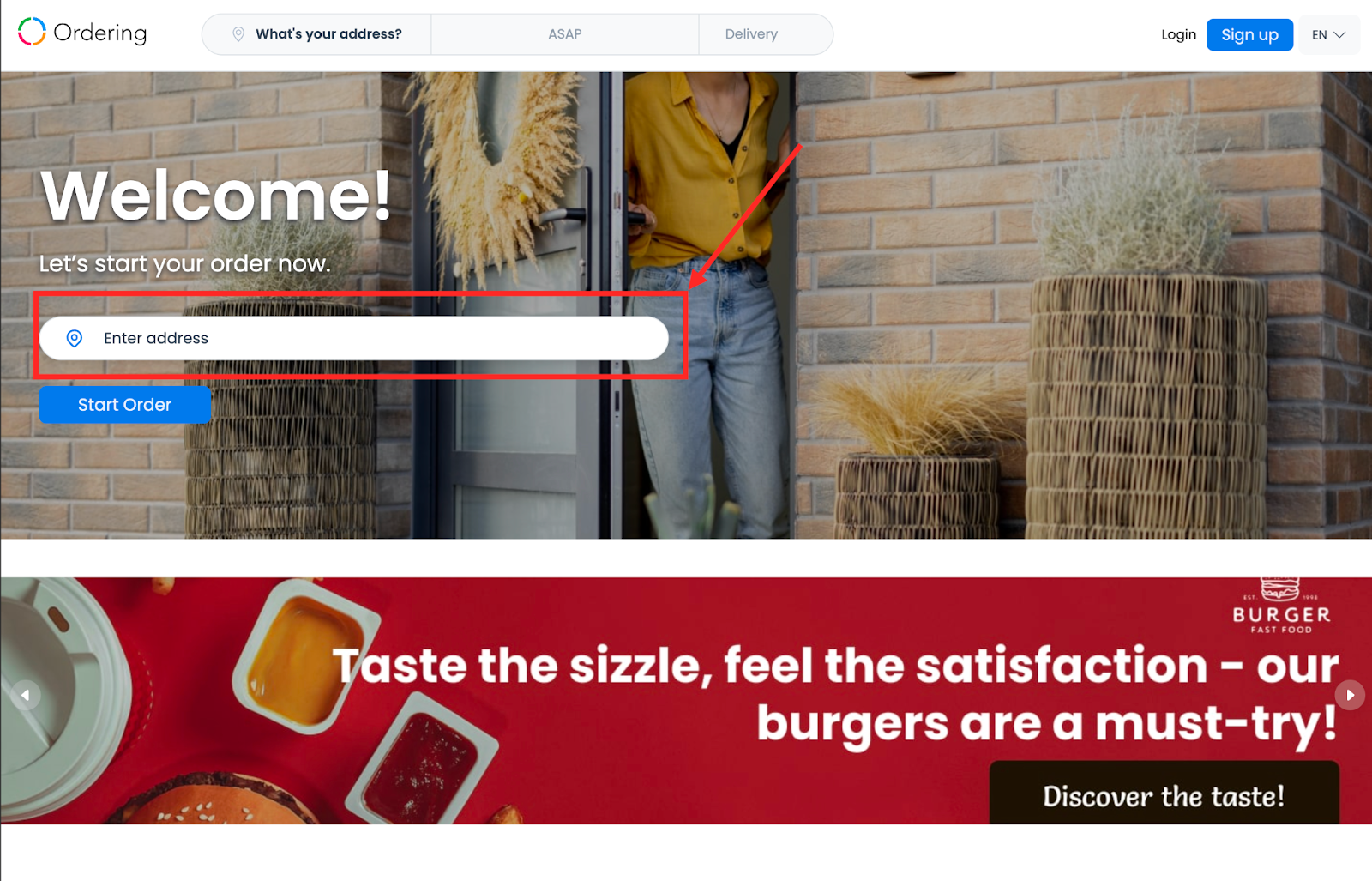
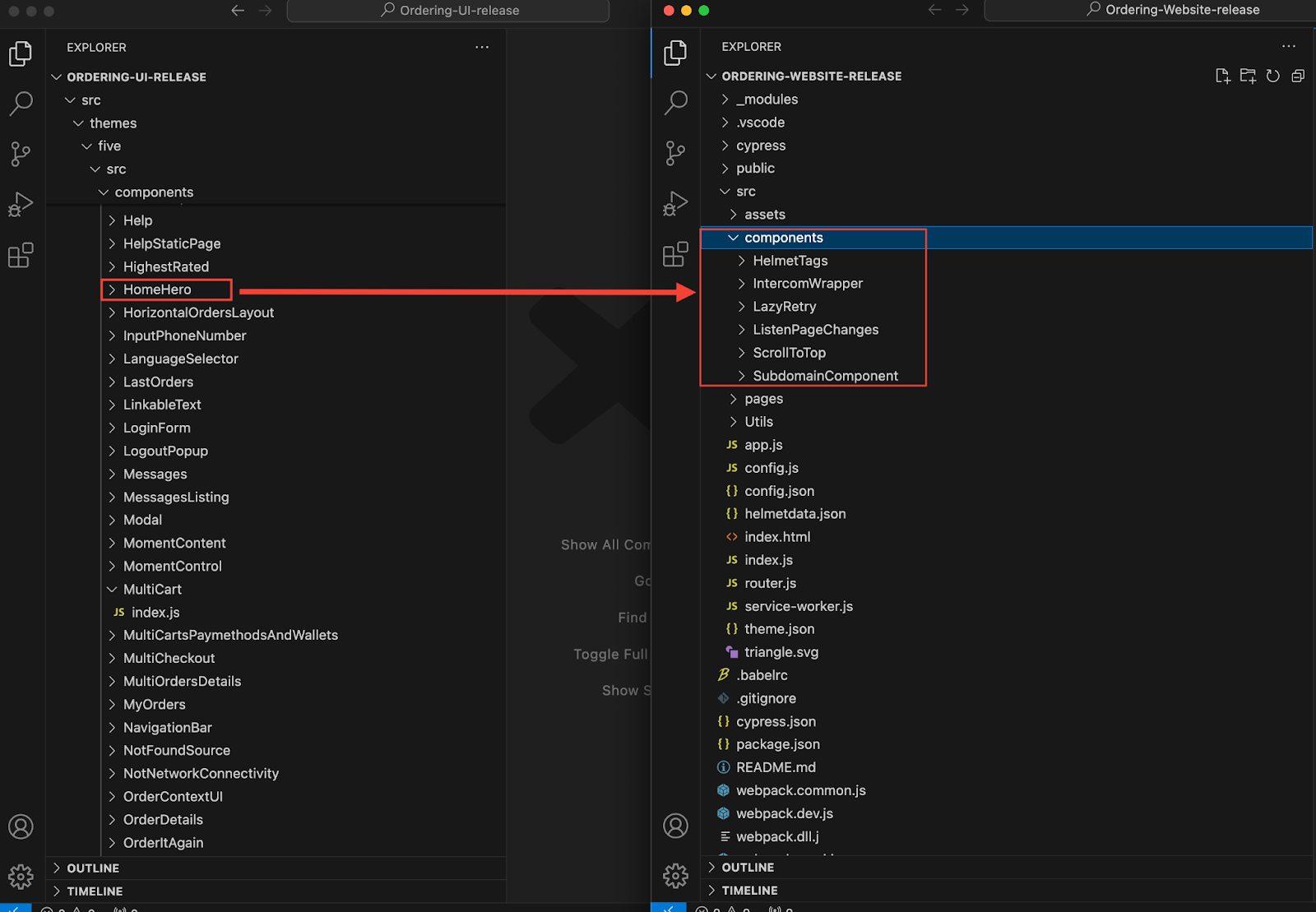
Treat the source component, related styles, context, routes, tests, and shared submodule as one review scope. A legacy example that copies a HomeHero component into src/components is not a current permission to fork or replace the governed component.
Make a reviewable change
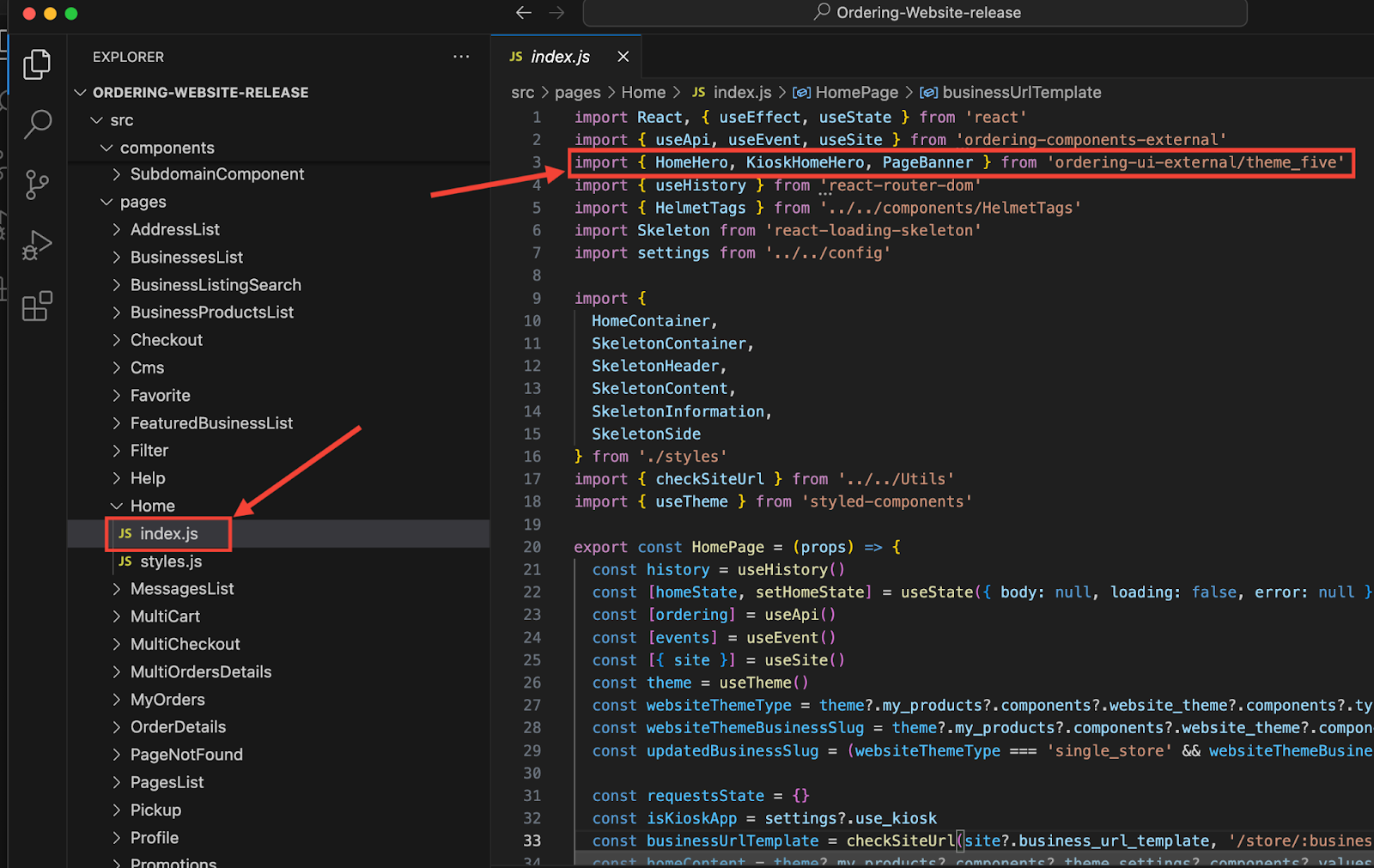
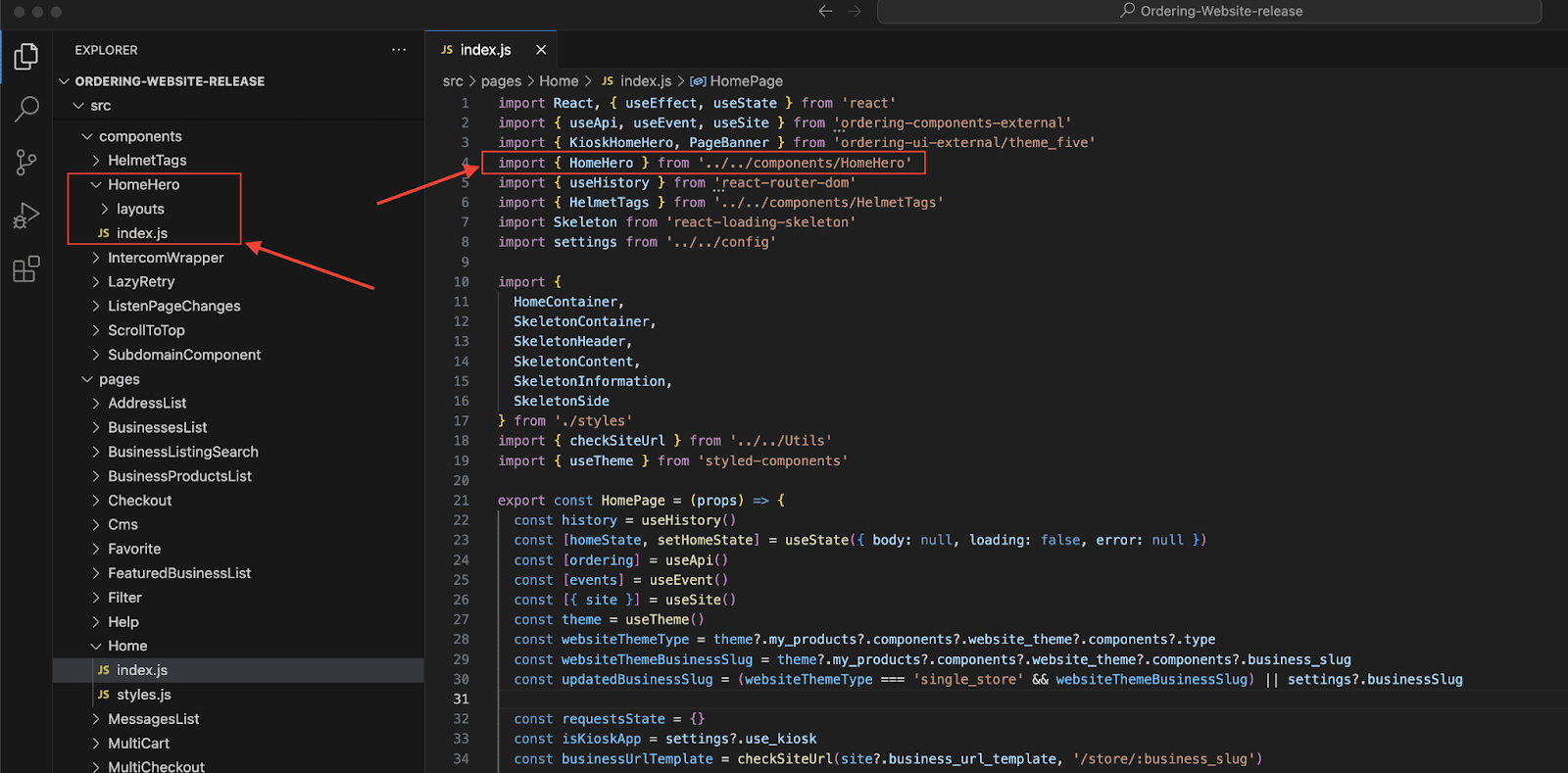
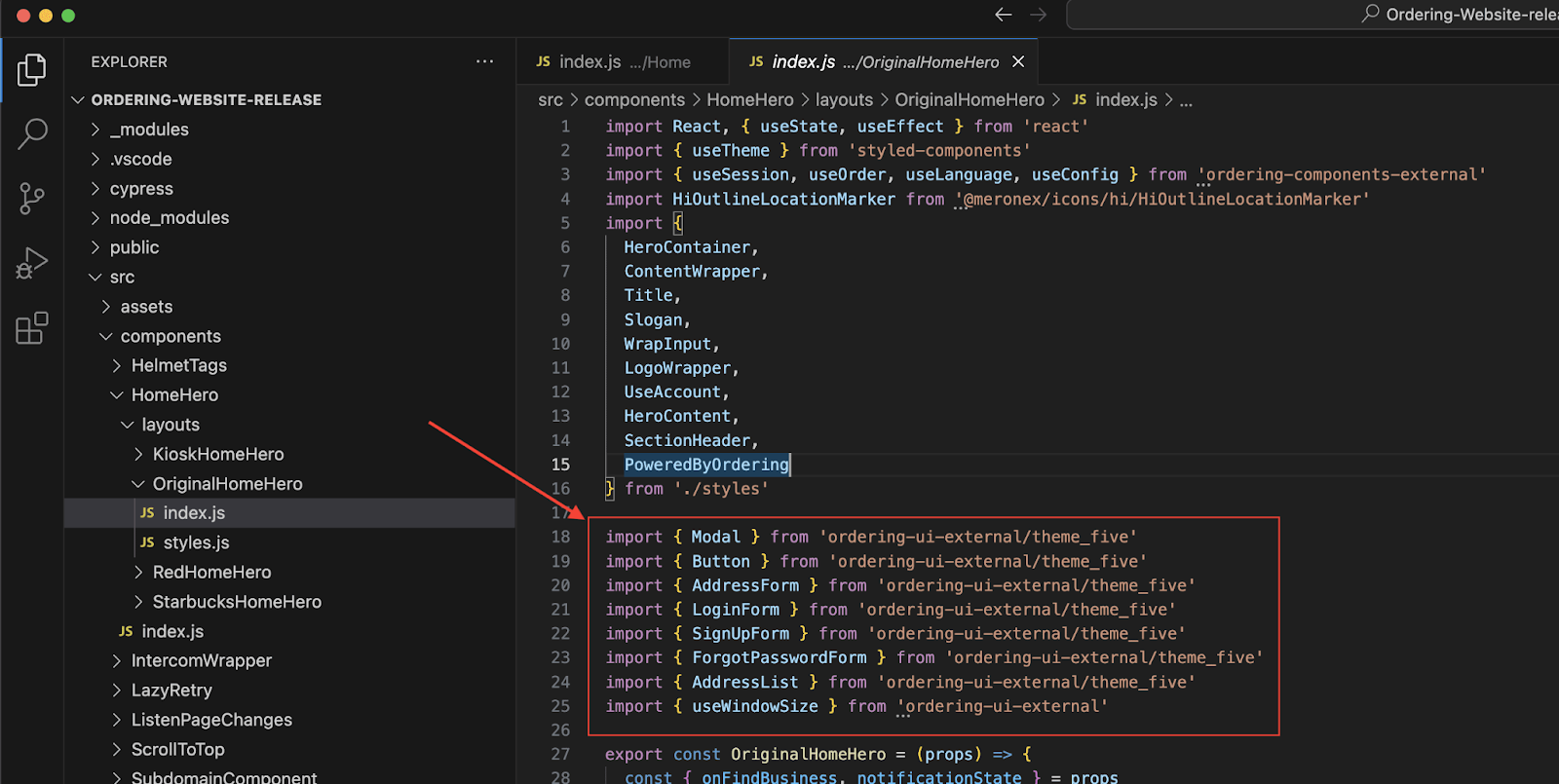
Locate the page and import that render the intended surface, then make the smallest change that preserves the shared component boundary. Do not rewrite import aliases or component paths merely to make an older example compile; resolve the actual dependency relationship in the current pinned checkout.
Build and release boundary
pnpm build is the local production-bundle check. pnpm cf:build additionally refreshes the pinned submodule and installs the frozen lockfile before building for Cloudflare.
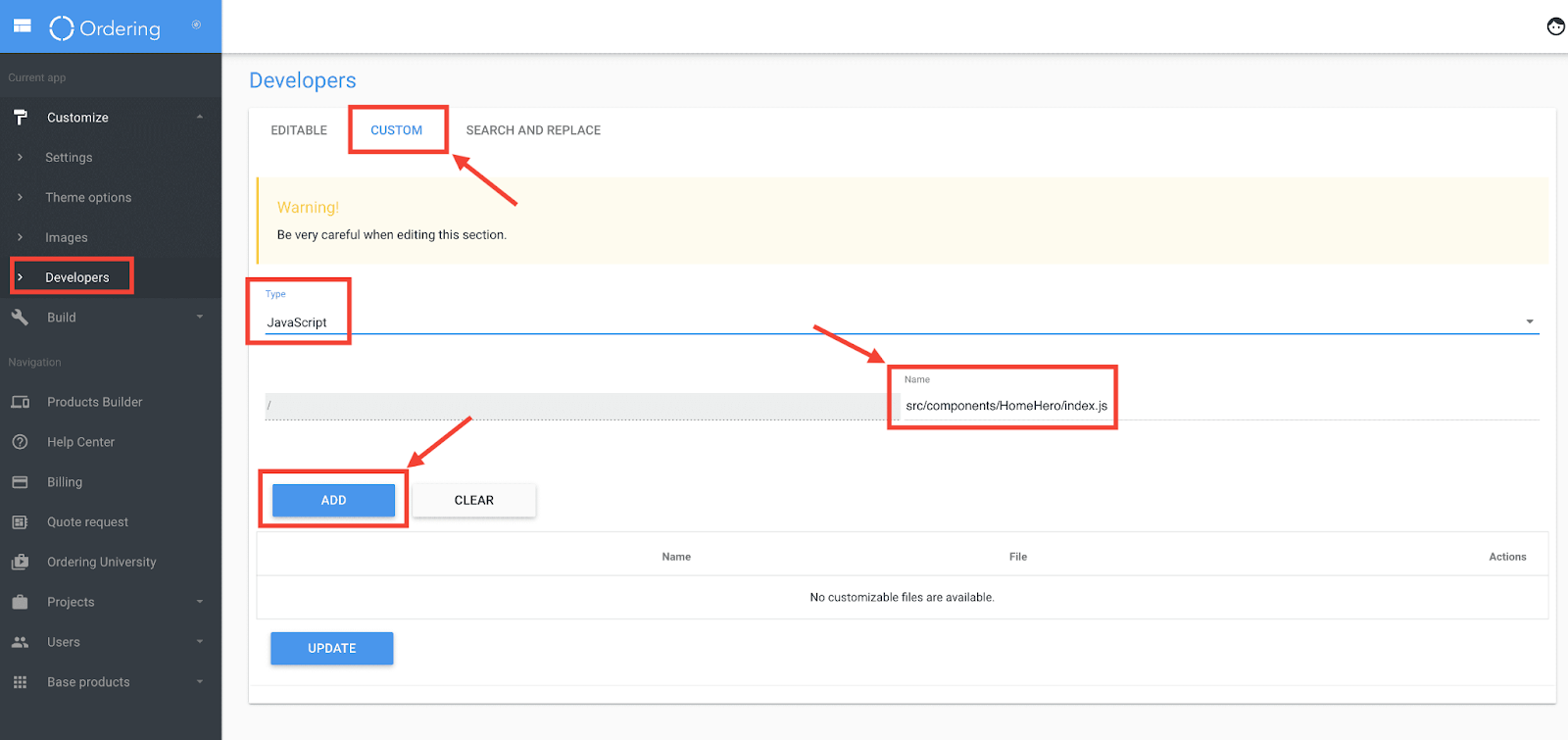
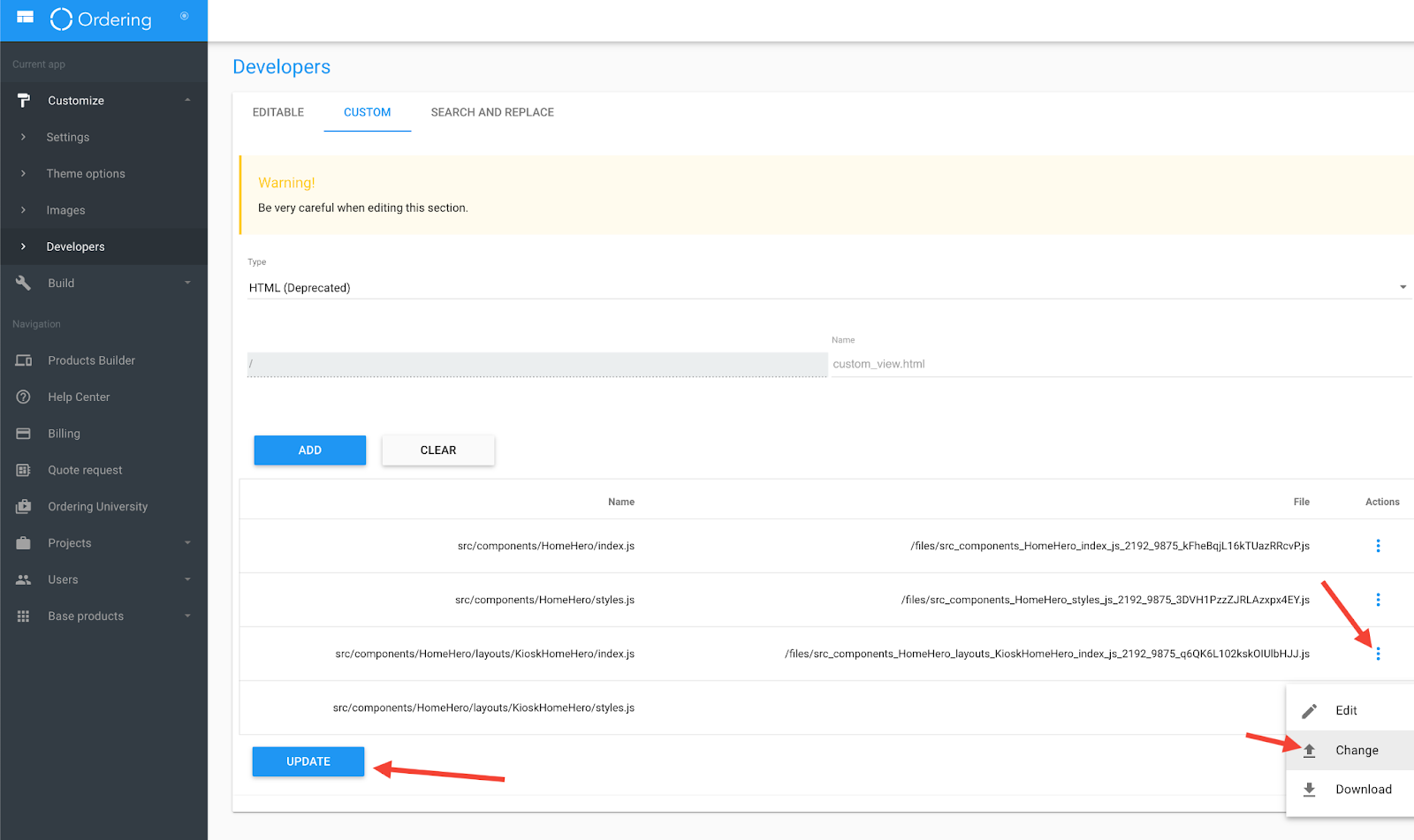
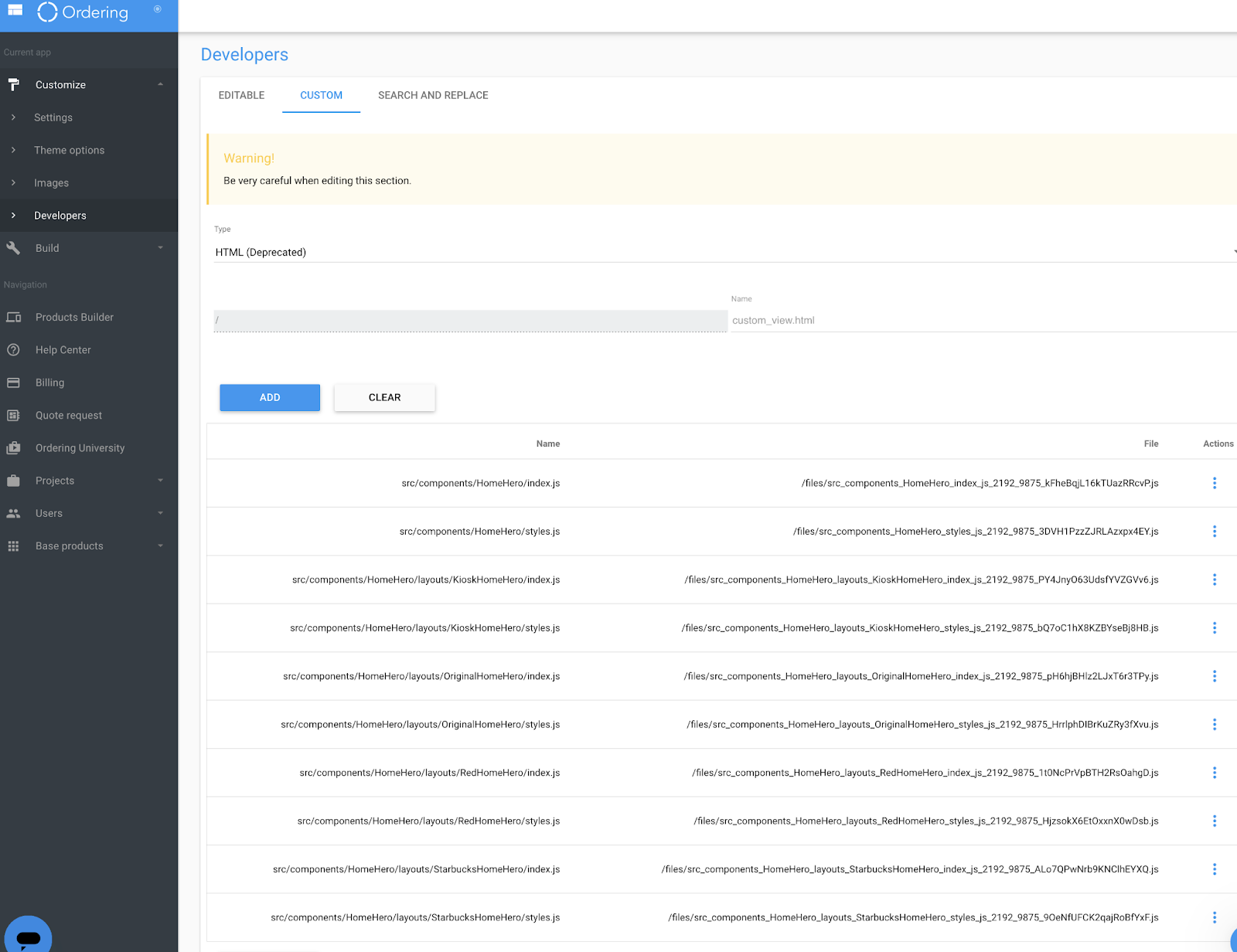
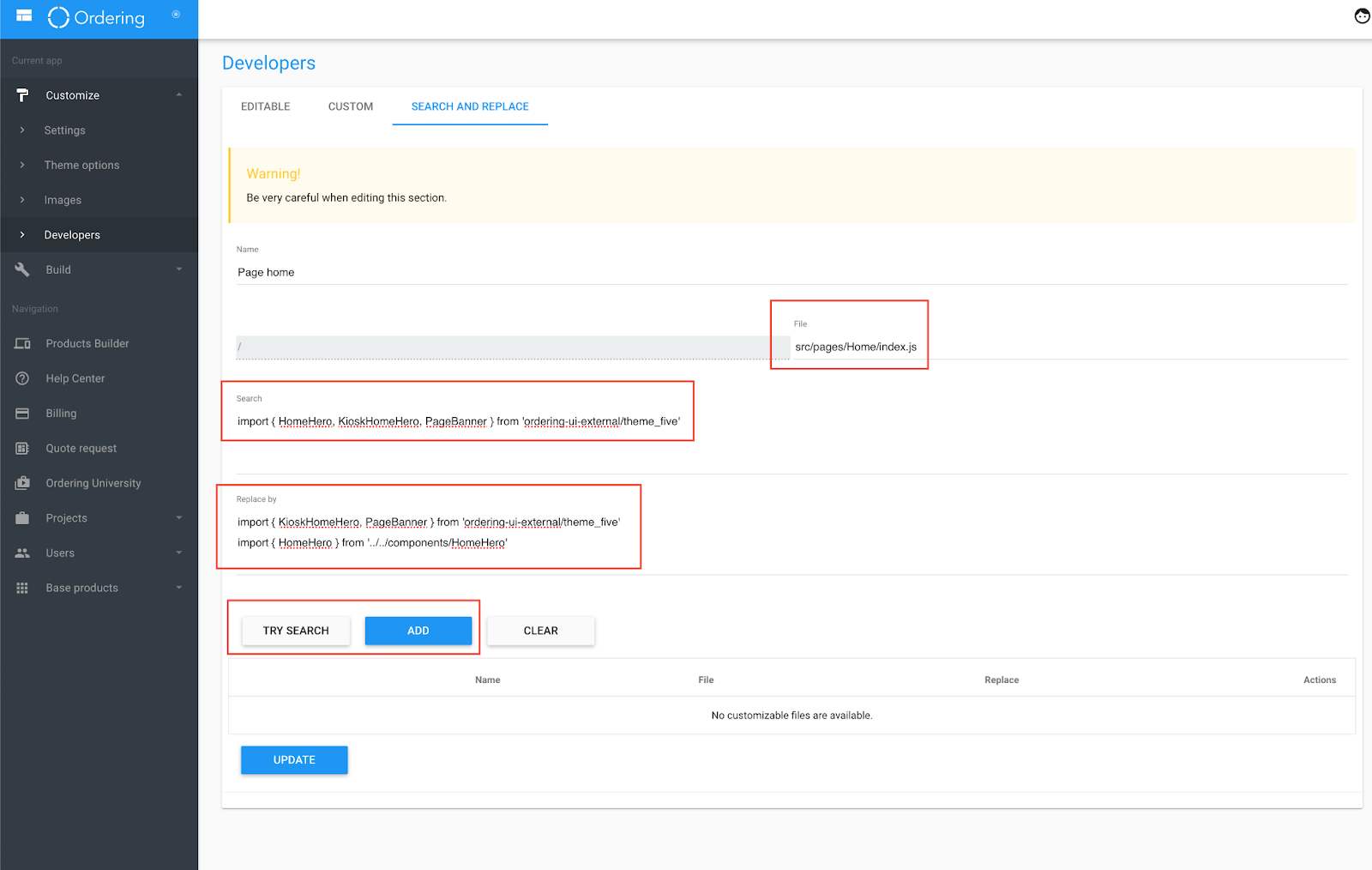
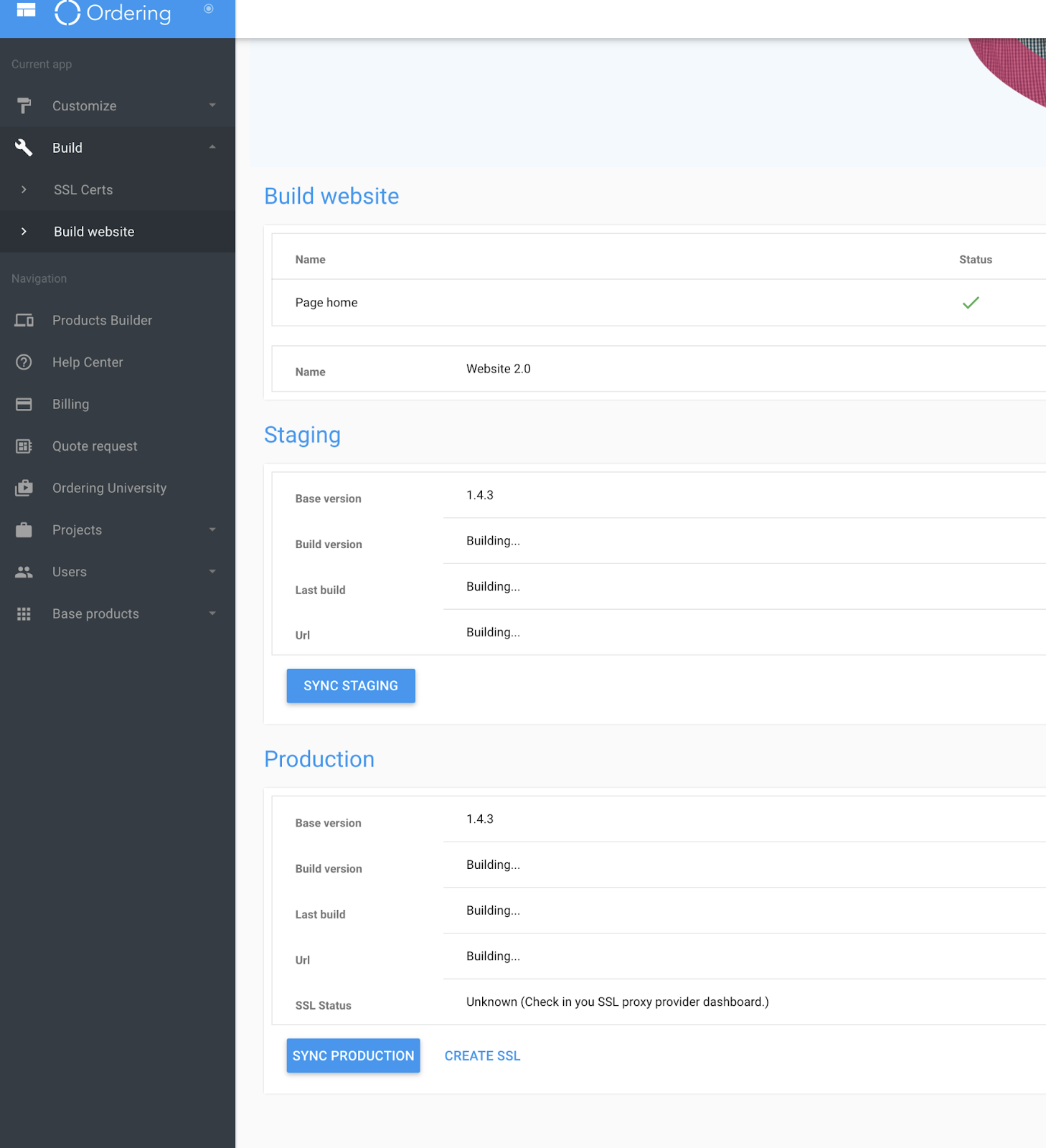
The captured builder sequence includes a custom-file area, file paths, search-and-replace validation, a build action, and a staging synchronization action. These are external-state operations. Do not upload files, run a build in the builder, synchronize staging, or deploy without an authorized release owner, an approved environment, and a defined rollback/review process.
A successful local build or preview confirms that build or preview only. Verify the deployed revision, environment, routes, and required configuration in your organization's release system.
Troubleshooting
| Symptom | Check |
|---|---|
| Imports under the shared aliases cannot resolve | Run git submodule status, then initialize the pinned submodule. Do not replace it with an arbitrary Components checkout. |
| The app starts but shows the wrong experience | Check only the non-secret project and mode fields in the effective local configuration. Confirm the project is intended for development. |
| A deep link redirects or opens another screen | Compare it with Website routes and deep links; account, location, profile, cart, and product availability gates still apply. |
| Vite works but the Worker preview differs | Reproduce with pnpm build and pnpm cf:dev; the Worker adds routing, runtime configuration, and SEO behavior. |
| Tests run out of memory | Use the repository pnpm test script, which applies its maintained memory and worker limits. |
| Generated translations fail CI | Run pnpm i18n:check-generated and pnpm i18n:verify; update source keys and generated catalogs together. |
Security boundaries
- Browser visibility is not API authorization. Enforce identity, resource ownership, and mutations on the server contract.
- Never log or publish session tokens, temporary order links, payment tokens, integration handoffs, customer addresses, or provider assertions.
- Keep payment collection inside the supported provider component; do not add raw payment data to app state, URLs, analytics, or diagnostics.
- Preserve consent gates for analytics, tracking, and project code.
- Validate redirect and host-derived project behavior at the Worker boundary. Do not trust a client header, hostname, or query value as tenant authority.
- Use the API Reference for published server contracts and Website integrations and external handoffs for provider ownership.
Related references: Website developer reference · Website routes and deep links · Website integrations and external handoffs