Dashboard integrations, API, and provider handoffs
Connect an operator workflow at the layer that owns it. Dashboard presents controls and carries the authenticated project context; the Ordering.co API validates requests and applies data effects; plugins and external providers complete provider-specific work. Keep these responsibilities separate when designing or troubleshooting an integration.
Use API Reference as the contract
Use the canonical API Reference for authentication, HTTP methods, paths, parameters, schemas, and documented response behavior. Start with the public authentication contract, then select the operation that owns the resource you need.
Do not copy endpoint schemas from Dashboard client code or examples into an integration. The client shows how it makes requests, not the public server contract. Use the published API Reference for current endpoint schemas.
Before making an authorized request, confirm the project identifier, language, environment, authentication method, operation, and response schema documented for that operation. Treat API keys and bearer material as secrets; never put them in repository files, browser-visible configuration, URLs, screenshots, tickets, or chat.
Handoff matrix
| Boundary | Dashboard responsibility | Ordering.co API responsibility | Provider or operator responsibility |
|---|---|---|---|
| Session and project | Collect supported sign-in input, retain session state through the shared client, and select the configured project context. | Authenticate the request, resolve the project, and authorize each resource and action. | The operator protects credentials and signs in to the intended environment. |
| Remote configuration | Load and present supported values and feature availability. | Return configuration allowed for the project and requester. | The project owner approves values and provider setup. |
| Plugins and add-ons | Discover supported controls and route the operator into their setup flow. | Return plugin/configuration state and accept authorized changes. | The plugin or provider defines prerequisites, credentials, limits, and final acceptance. |
| POS and sales channels | Present eligible integrations and business-level connection state. | Authorize business access and persist supported integration changes. | The provider owns account access, catalog/order behavior, and external failures. |
| Delivery services | Present configured services and business assignments. | Validate and persist supported service relationships. | The delivery provider owns coverage, quotes, acceptance, and delivery execution. |
| Payments and Stripe Connect | Present configured setup and status surfaces without handling secret payment material directly. | Enforce server-side eligibility and persist supported account references or settings. | Stripe or the selected payment provider owns onboarding, verification, authorization, settlement, and disputes. |
| Maps, notifications, realtime, analytics, and support | Initialize browser-side behavior only when configuration and session conditions are satisfied. | Authorize related reads or writes and return project-scoped configuration. | The browser, operating system, or provider controls consent, delivery, connectivity, and processing. |
Common API tasks
The examples below cover order queries, business queries, catalog lookups, cart and order flows, and product updates. Use the corresponding API Reference operation for each task; do not reuse project IDs or payloads from examples.
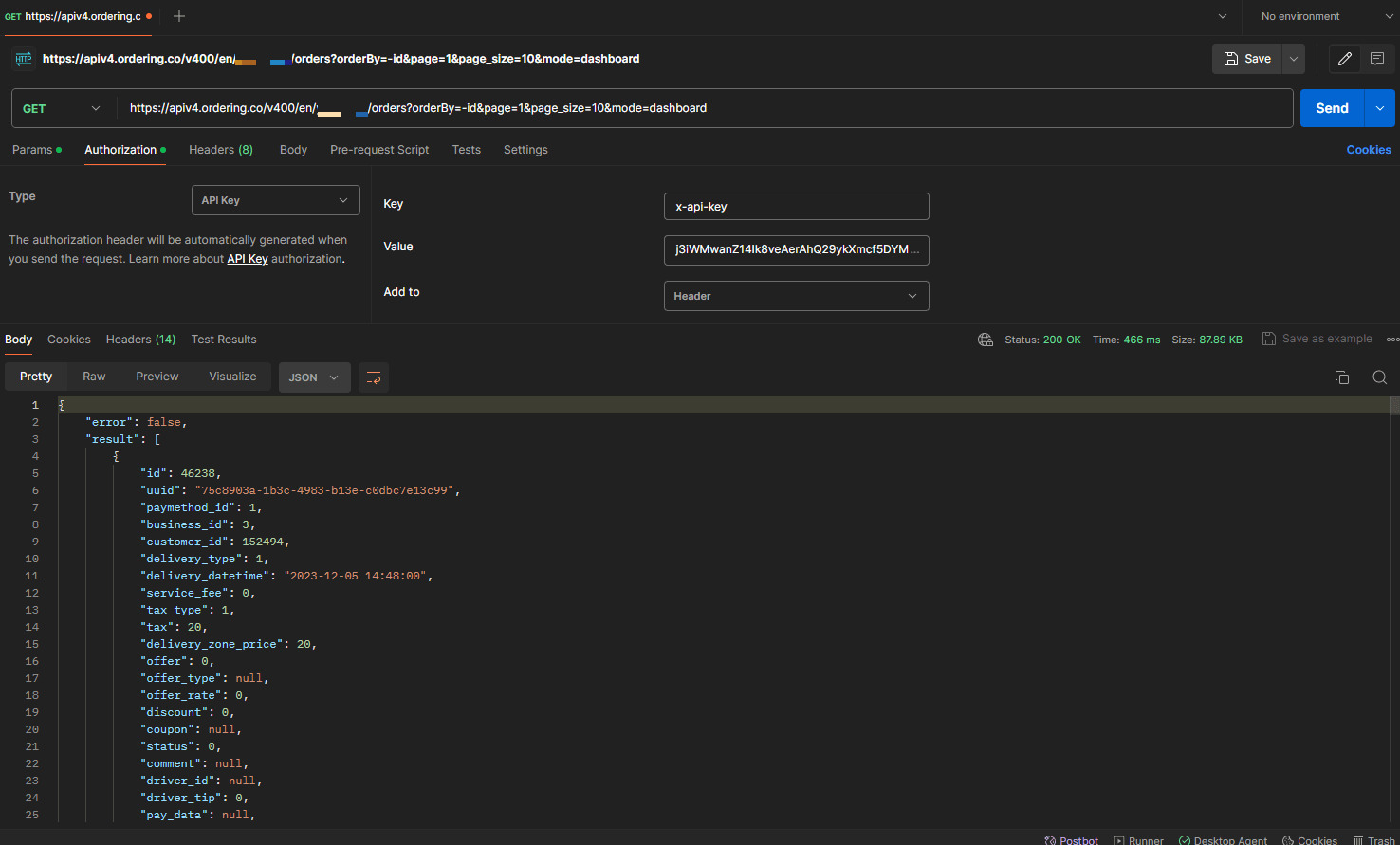
Query orders deliberately
An order query can be filtered by fields such as status, date range, or customer email when the selected API operation documents those filters. Order data can contain customer, payment, delivery, and operational information, so request only the fields and records needed for the approved purpose.
Query businesses and catalog context
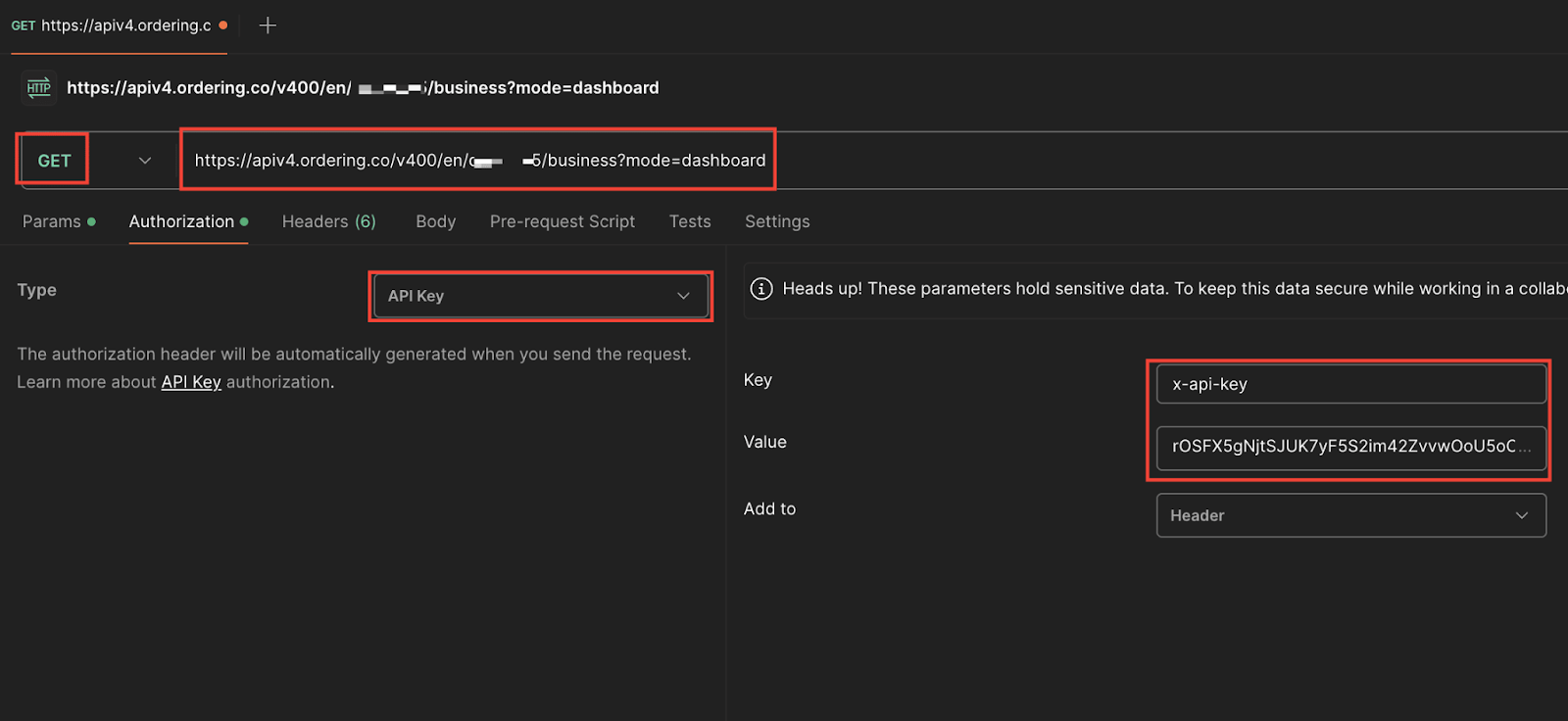
Use the documented business operation to retrieve only the fields the integration needs. Supported fields and authorization can vary by operation and environment.
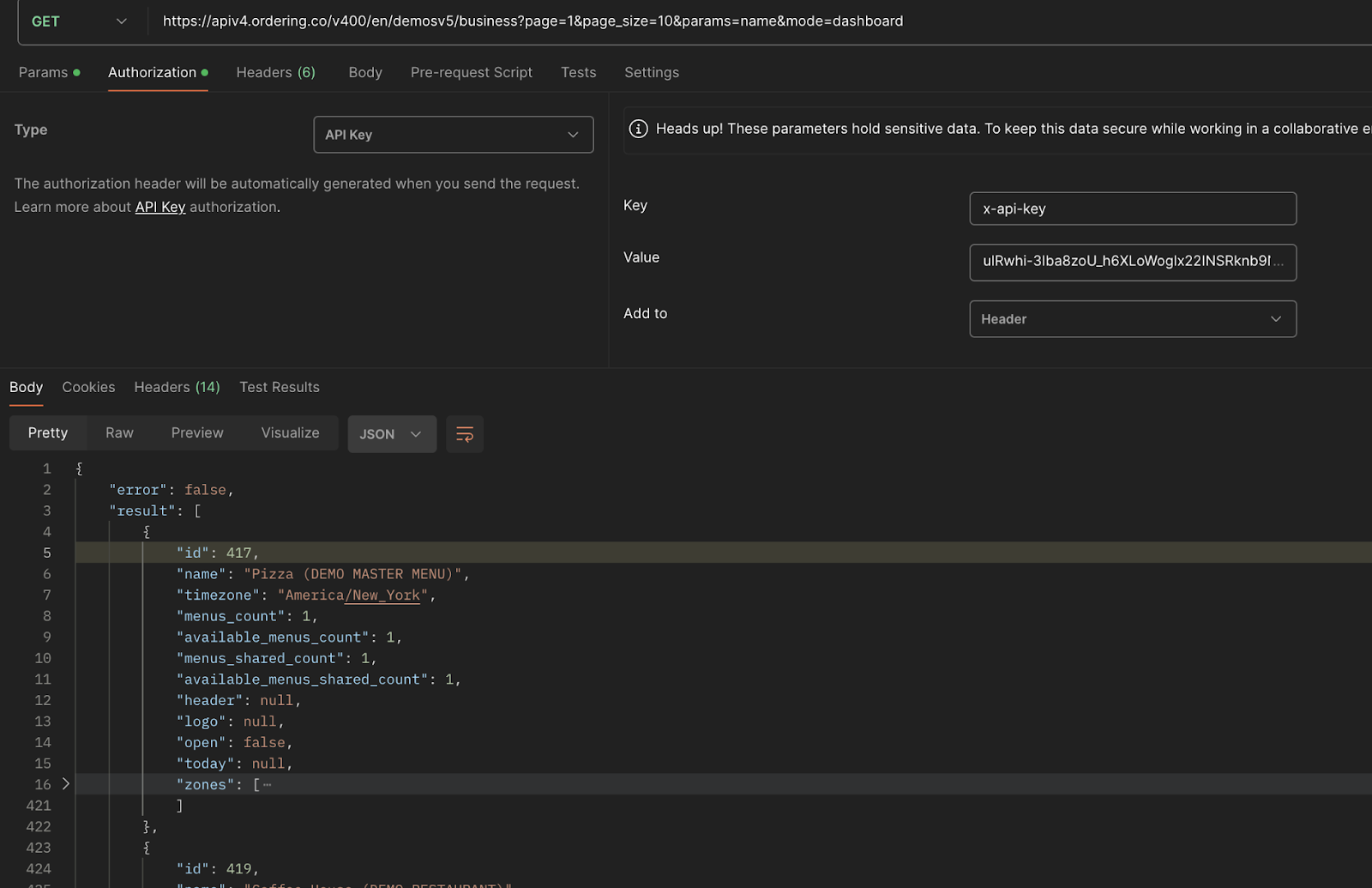
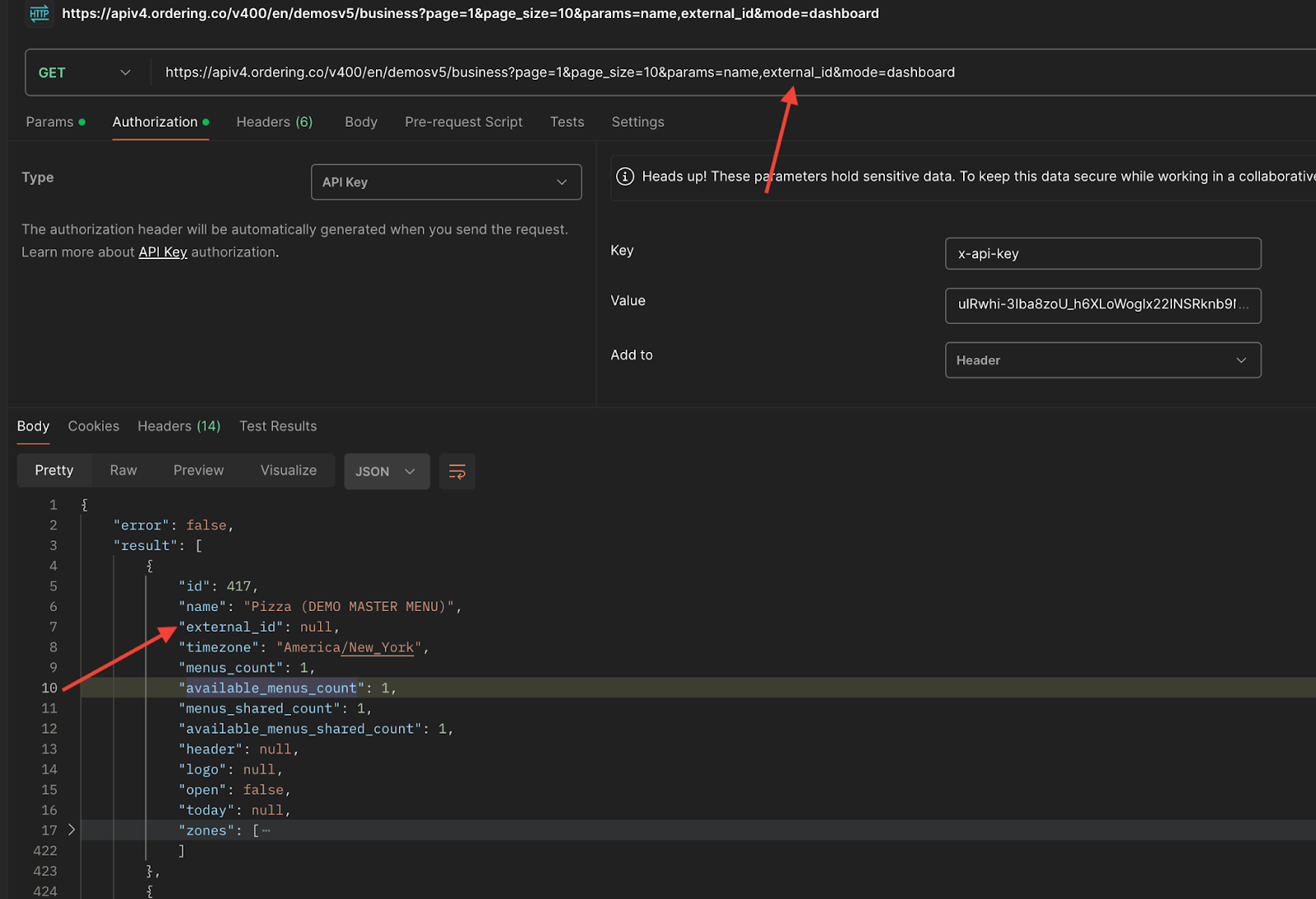
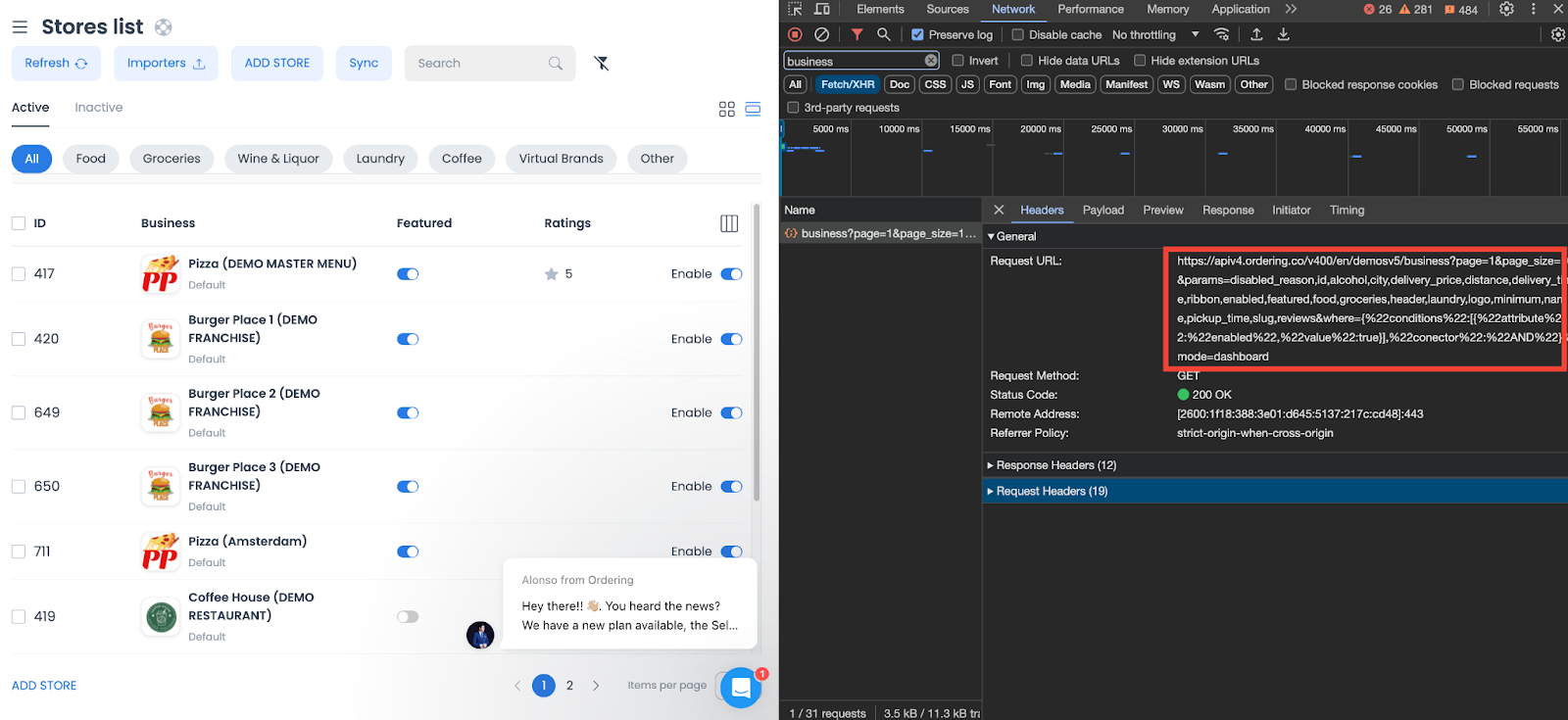
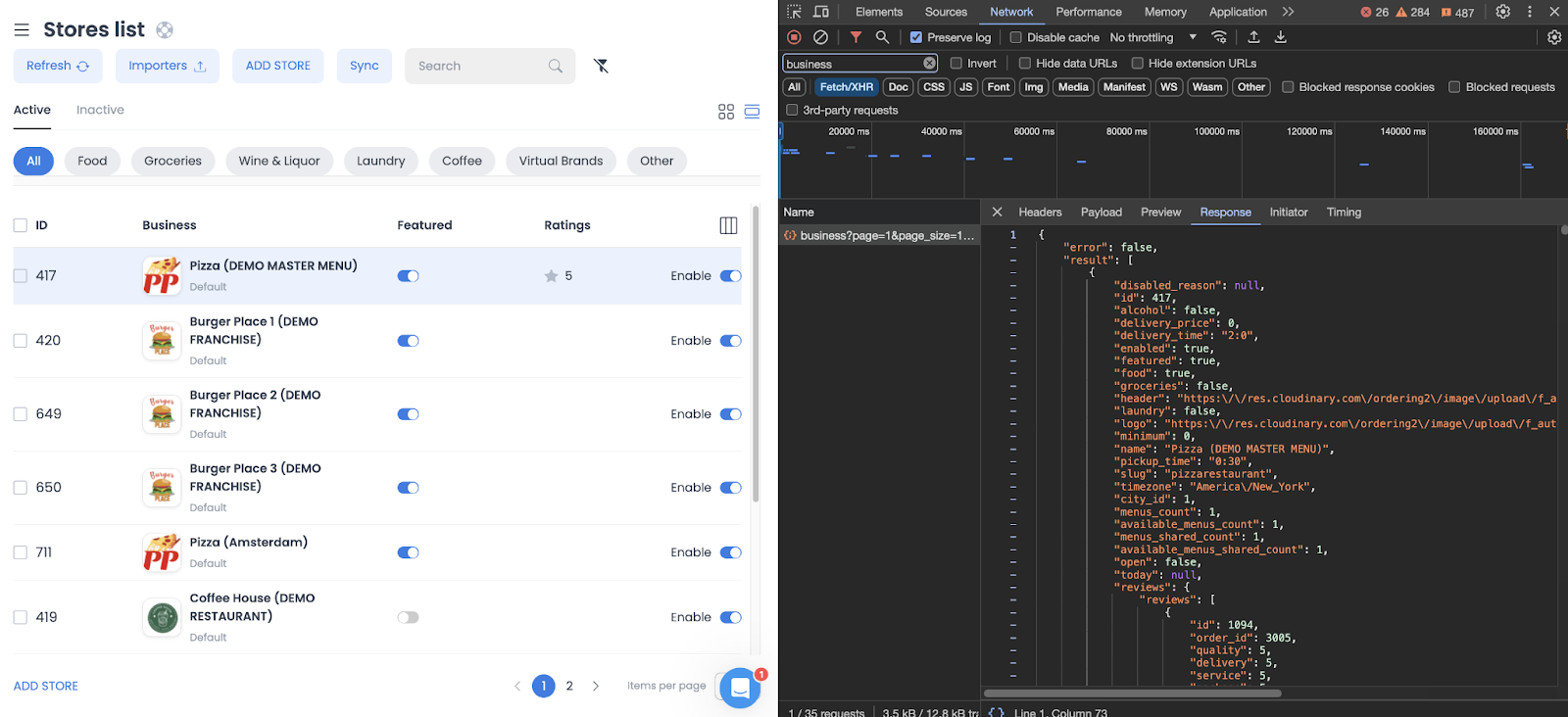
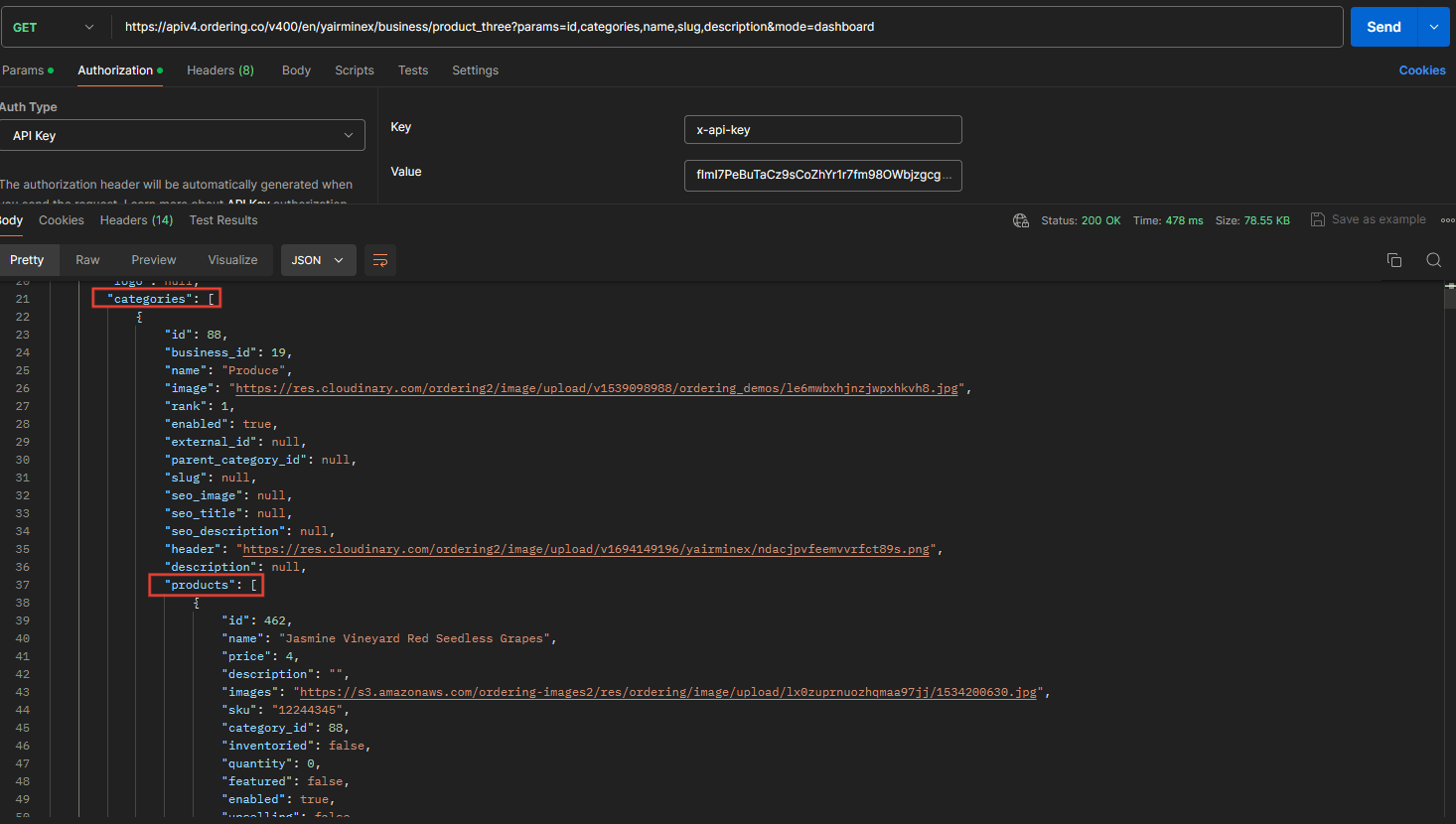
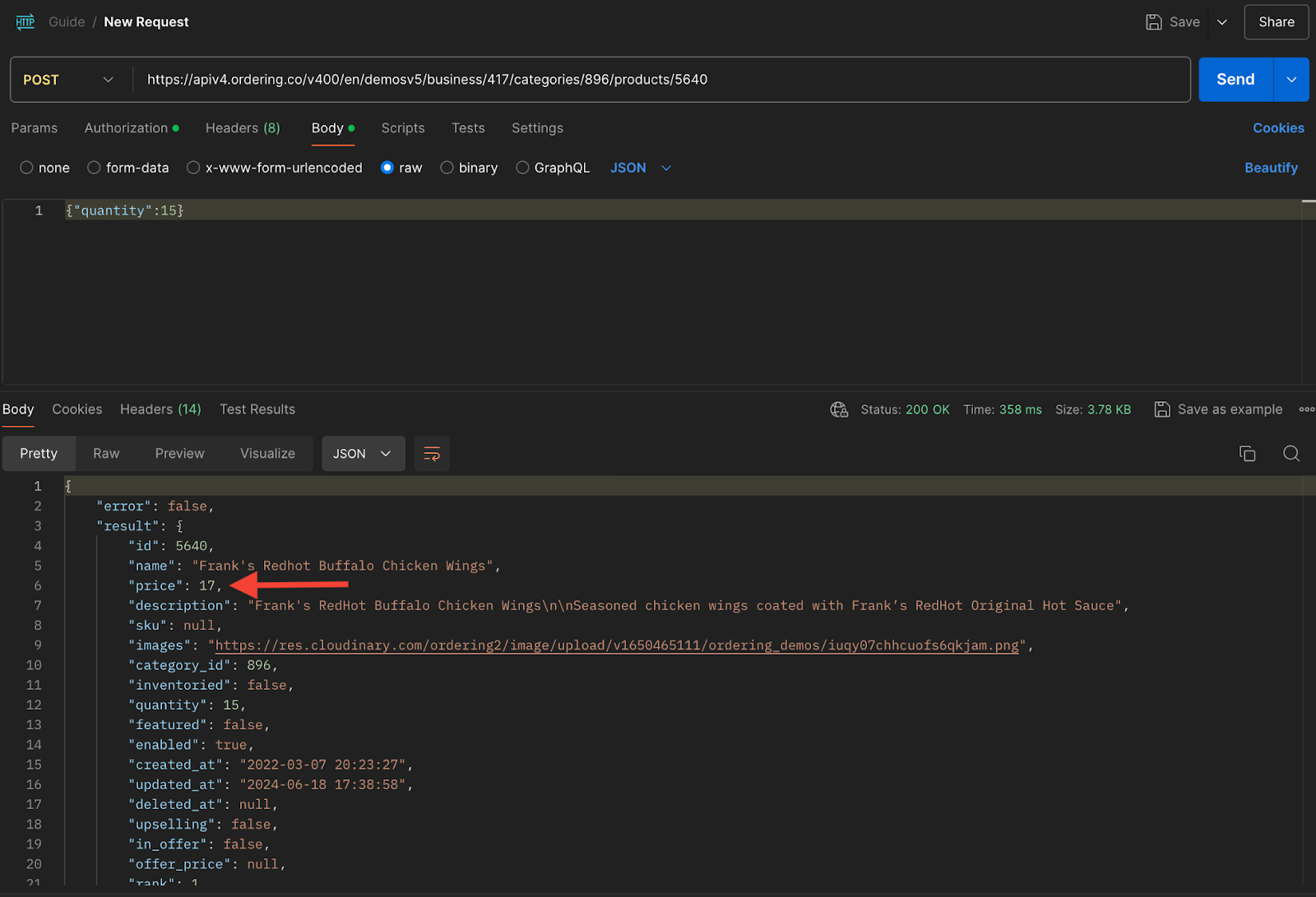
For categories and products, use the API Reference operation that documents the supported business, category, and product relationship. Use its schema instead of inferring response fields from an image or generic envelope.
Treat orders and updates as effects
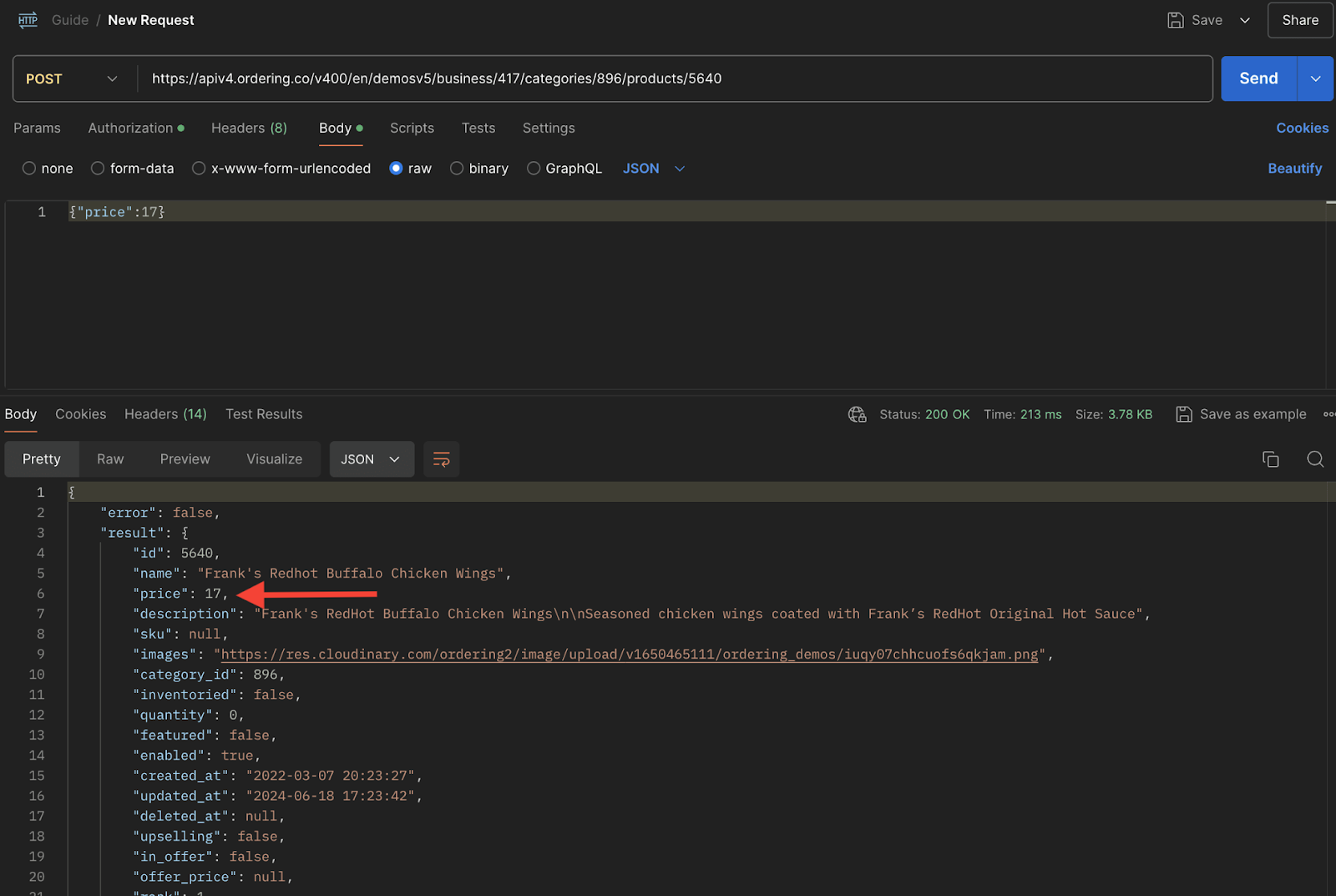
Creating a cart, placing an order, updating a price, and updating inventory or quantity can produce separate state changes. Use the published operation for each step, validate the required request schema, authorize the workflow, and re-read the affected resource only where the workflow and permission model allow it.
Configuration and plugin rules
- Treat the repository configuration file and any runtime override as environment-owned inputs. Do not replace nested API or socket settings partially without validating the complete merged result.
- Keep project identity, API base, API version, language, socket boundary, and application identifiers aligned. A syntactically valid configuration does not prove compatibility or reachability.
- Treat feature flags, plugin records, add-on state, and client configuration as availability signals only. They do not grant permission, prove a commercial entitlement, or guarantee provider readiness.
- Keep provider secrets in an approved server-side secret store. Browser-exposed variables and bundled configuration are public to anyone who can load the application.
- Do not reconstruct OAuth callbacks, payment tokens, provider signatures, or integration credentials from UI state, URLs, logs, or screenshots.
Permission boundaries
Dashboard registers protected routes for several technical user levels and applies additional read-only checks in the client. These checks improve navigation, but they are not a complete public role taxonomy and must not be used as the authorization source for an integration.
For every request:
- Authenticate through the published API contract.
- Send the request in the intended project and environment.
- Let the API authorize the actor, resource, and action.
- Treat
401and403responses as server decisions; do not bypass them by exposing a hidden route. - Re-read the affected resource after an authorized mutation when the workflow requires confirmation.
Never treat a route parameter, business identifier, plugin identifier, or provider callback as a capability token. Minimize identifiers in logs, and never log bearer tokens, API keys, payment material, or provider credentials.
Failure handling
| Observation | Owning boundary | Safe response |
|---|---|---|
| The control is absent | Client configuration, feature, plugin, or route gate | Confirm the intended project and approved configuration. Do not force the route. |
| The route opens but data is denied | Ordering.co API authorization | Preserve the server result and verify the current actor and resource scope. |
| Ordering.co data is accepted but the provider fails | Provider handoff | Keep the Ordering.co and provider outcomes separate; follow the provider’s retry or recovery contract. |
| Realtime or notifications stop while API reads work | Socket, browser, operating system, or notification provider | Diagnose connection, permission, and provider state independently from ordinary HTTP access. |
| Configuration works in one environment only | Deployment/configuration boundary | Compare sanitized configuration keys and source revisions; do not copy secrets or assume environment parity. |
Related: Dashboard engineering guide · Dashboard product documentation